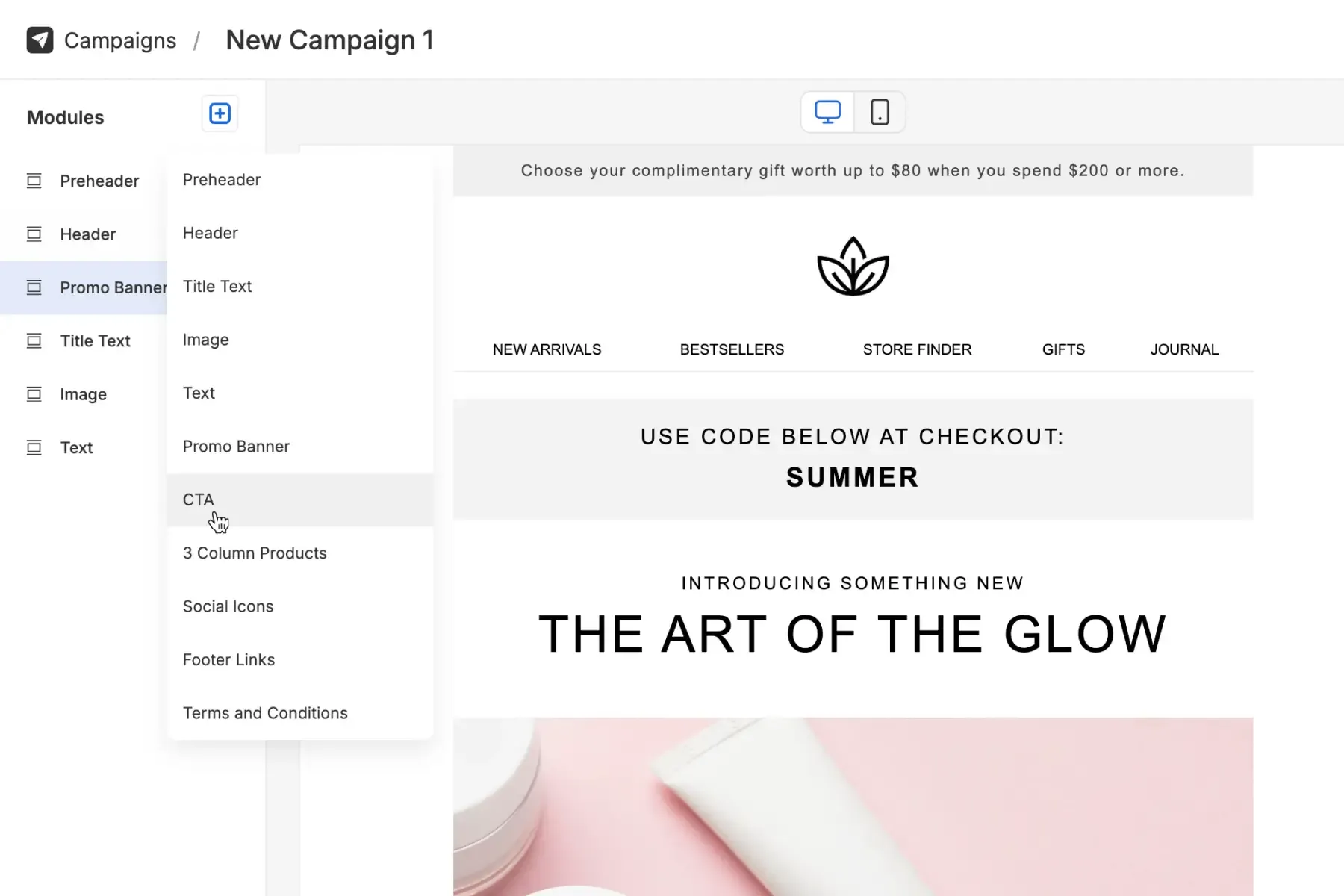
Service · 2–5 working days

From Figma design to HTML email templates.

We convert your Figma designs into production-ready, modular templates that render perfectly across clients and upload cleanly to any ESP.

The development process

Why converting Figma to HTML email is tricky

Email HTML diverges sharply from web HTML: table layouts, inline CSS, Outlook quirks, and a long tail of client compatibility issues.

Email-specific code requirements

Email HTML requires table-based layouts, inline CSS, and careful handling of media queries for the long tail of email clients.

  • Table-based layouts for universal compatibility
  • Inline CSS and fallback styling techniques
  • Cross-client testing and optimisation
  • Tested across 30+ clients with Litmus / Email on Acid
  • WCAG-aware and dark-mode-safe patterns
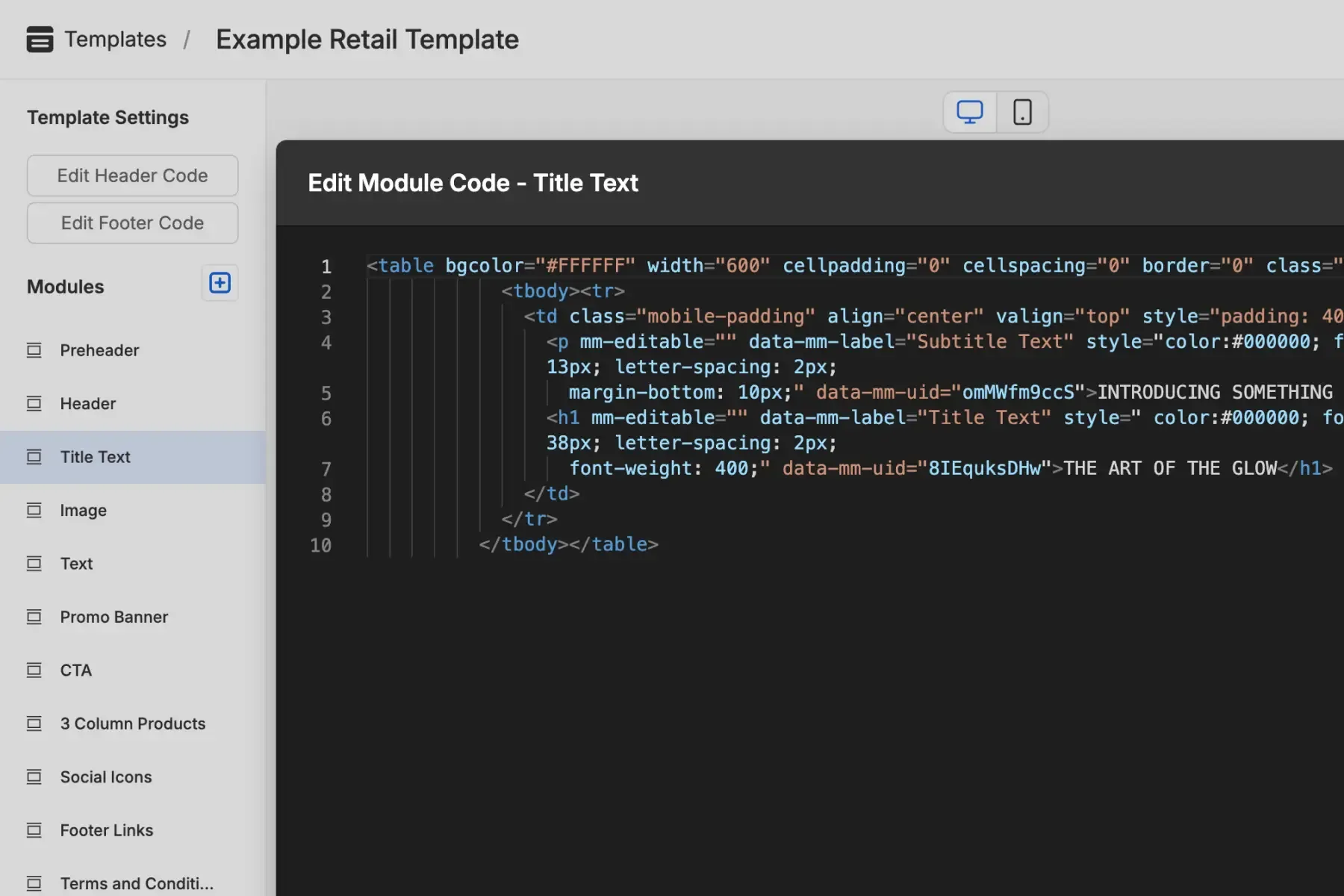
Email HTML structure showing table layout and inline CSS

Responsive complexity

Pixel-perfect rendering on desktop, tablet, and mobile is harder in email than on the web. Outlook makes it harder still.

  • Email-specific media queries and breakpoints
  • Progressive enhancement for older clients
  • Dark mode and accessibility considerations
  • Tested across 30+ clients
Responsive email design across mobile and desktop

Modular template architecture

Static Figma designs become reusable, modular components that maintain design integrity while allowing content flexibility across campaigns.

  • Component-based template structure planning
  • Editable content areas with locked design
  • ESP-agnostic HTML output
  • Tested across 30+ clients
HTML export panel showing production-ready output ready to upload to an ESP
What we do

Professional Figma to HTML email conversion

Work directly with an HTML email developer, not a generalist web shop.

  • Design analysis and planning

    We analyse your Figma files to identify reusable components and plan the optimal modular structure before any code is written.

  • Hand-coded HTML

    Email specialists hand-code your templates using industry best practices, extensive cross-client testing, and performance optimisation.

  • Modular Mail integration

    Templates are configured as modular components in your Modular Mail account, ready for immediate use by your marketing team. Training included.

  • Testing and QA

    Every template undergoes rigorous testing across 30+ email clients including Outlook, Gmail, Apple Mail, and mobile.

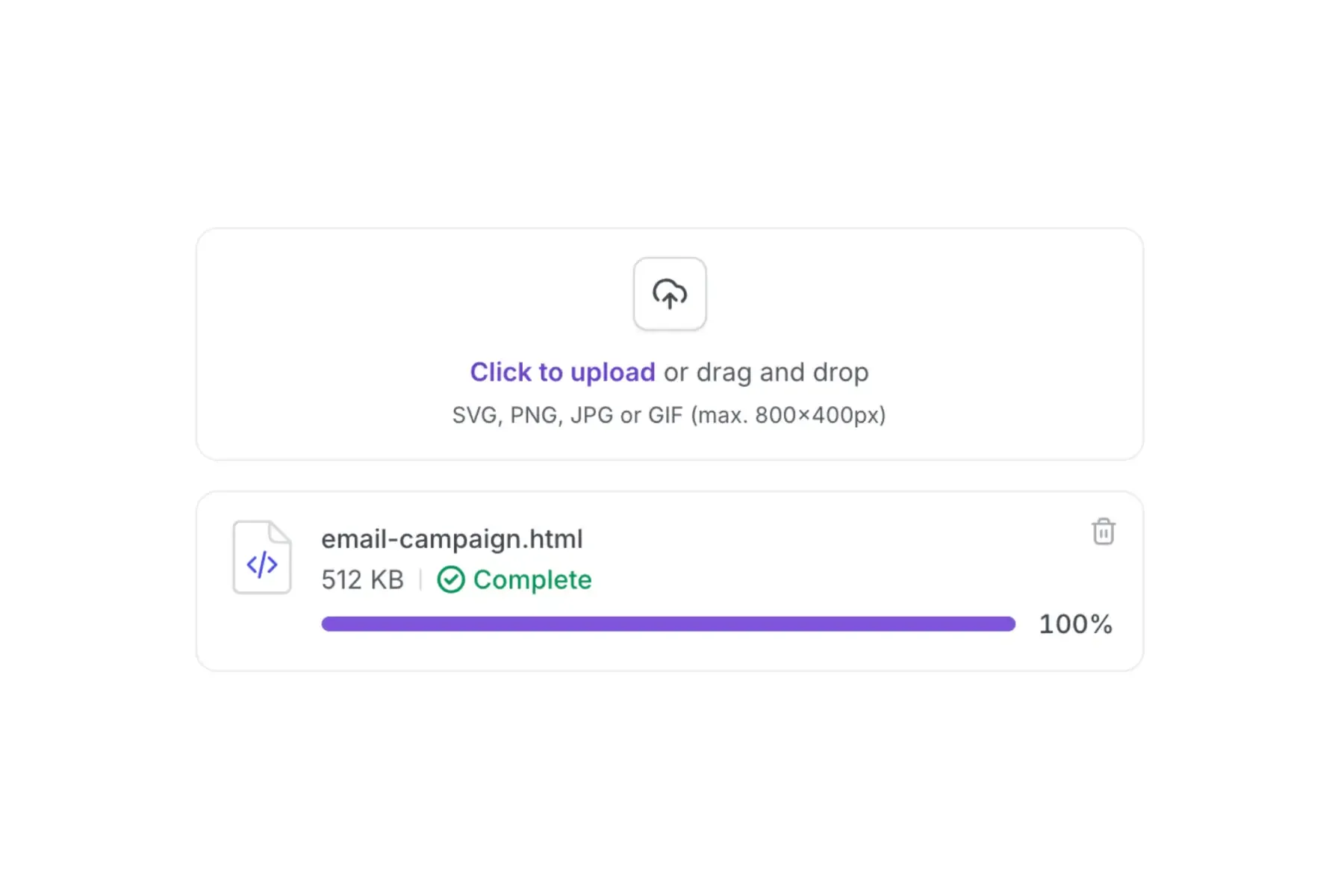
Clean HTML export panel in Modular Mail, ready to upload to your ESP
Code quality

Production-ready HTML you can trust

Hand-coded templates following industry best practices for maximum deliverability and compatibility.

<!-- Bulletproof table structure with inline CSS -->
<table role="presentation" cellpadding="0" cellspacing="0" width="100%"
       style="table-layout:fixed;">
  <tr>
    <td mm-editable="hero-headline" mm-label="Main Headline"
        style="font-family:Arial,sans-serif;font-size:32px;
               line-height:1.2;color:#1a1a1a;">
      Your headline goes here
    </td>
  </tr>
  <!--[if mso]>
    <td style="font-family:'Segoe UI',Tahoma,sans-serif;">
  <![endif]-->
</table>
  • Table-first templates with inline CSS
  • Bulletproof buttons that work in Outlook
  • Image alt text and role attributes
  • Conditional comments for Outlook quirks
  • Dark-mode tokens and safe colour choices
  • Modular Mail editable areas pre-configured
Pricing

Custom pricing tailored to your project

Every Figma to HTML email conversion is unique. We provide personalised quotes based on design complexity, number of templates, timeline, and integration requirements.

  • Detailed analysis of your Figma designs and requirements
  • Transparent fixed-price quotes with no hidden costs
  • Flexible delivery timelines
  • Up to 2 revision rounds included in every quote
FAQ

Conversion service, in detail

  1. Do you support Mailchimp, HubSpot, Klaviyo, and Marketo?
    Yes. The HTML works with all major ESPs: Mailchimp, HubSpot, Klaviyo, Marketo, Salesforce, Campaign Monitor, or any platform that accepts custom HTML.
  2. Can you handle dark mode and Outlook quirks?
    Every template is tested across 30+ email clients including Outlook 2016–2021, Gmail, and Apple Mail in both light and dark modes.
  3. What file types do you accept besides Figma?
    Figma is preferred. We also accept Sketch, Adobe XD, and Photoshop (PSD) files, provided layers are organised.
  4. How are modules set up in Modular Mail?
    We configure each template with mm-editable fields and clear mm-label attributes that define exactly which parts of the content can be edited. Modular Mail's editor reads the markup and presents your team with a clean content-field interface: headlines, copy, buttons, images. No HTML in sight.
  5. Can you add merge tags or personalisation tokens?
    Yes. We can implement merge tags for any ESP (for example |FNAME| for Mailchimp or %%first_name%% for MailerLite) and configure dynamic content areas.
  6. How long does conversion take?
    A single template typically takes 2–5 working days. Larger multi-template systems are usually delivered within 2–3 weeks depending on complexity.
  7. What's included in the deliverables?
    Production-ready HTML templates, optimised image assets, Modular Mail module setup in your account, usage documentation for your team, and a full cross-client testing report. Agencies can also read about the client handoff workflow Modular Mail supports.
Get started

Convert your Figma designs into production-ready email.

Share your Figma link. We'll come back with a quote and a timeline within 24 hours.