Monthly newsletter email template
For the email you send every month: company updates, product changelogs and customer round-ups. Open it in the editor, fill in this month's news and export the HTML to any ESP.
No account needed. Your changes stay in your browser until you export the HTML.
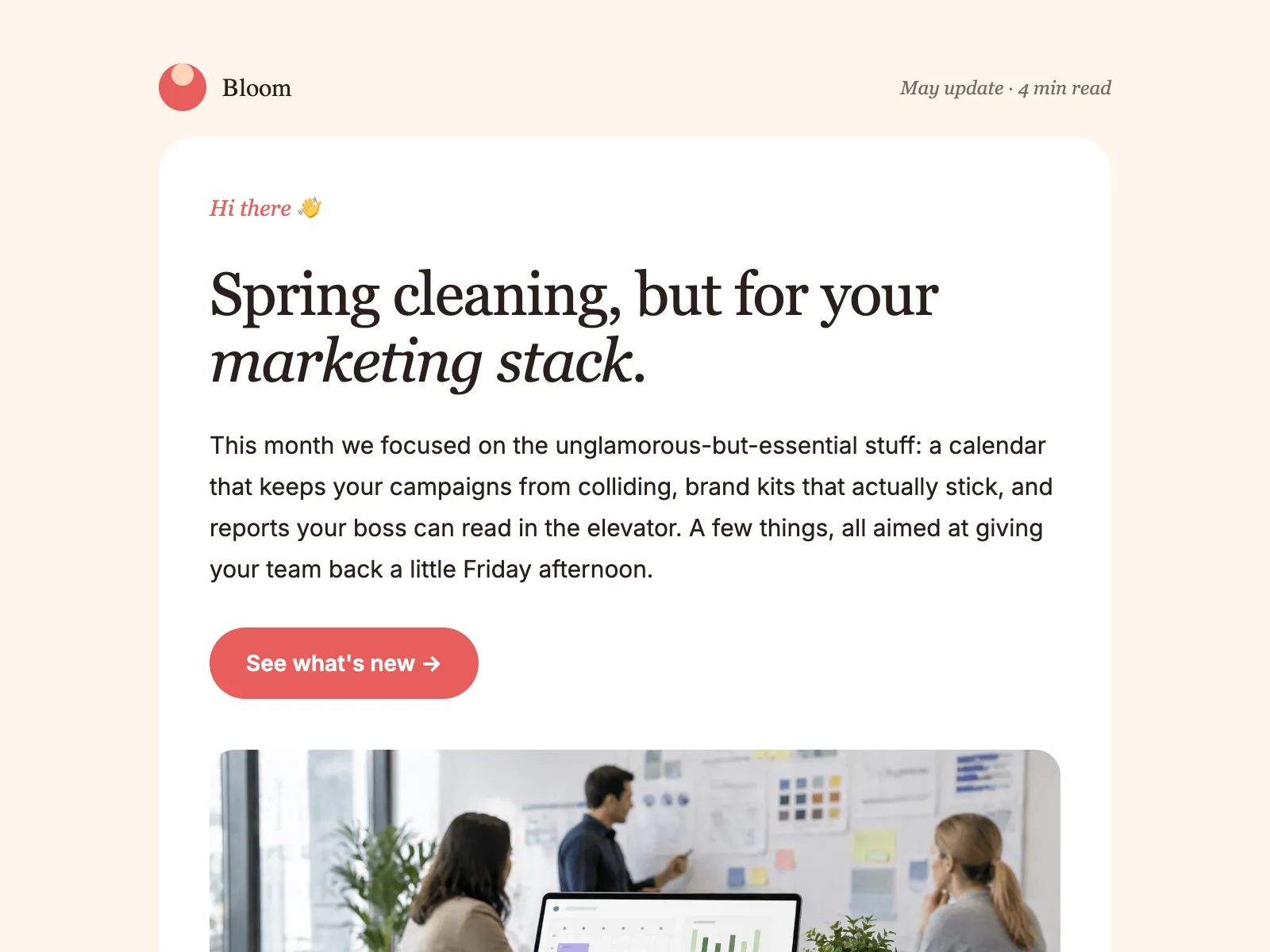
What a monthly update does
A monthly update is the email that keeps a company in its customers’ inboxes between campaigns. It rounds up what shipped and what’s coming, and it does its job when it arrives on time with the biggest news at the top.
The hard part is rarely the writing. It’s rebuilding the same layout every month in an editor that wasn’t made for your design, then checking that nothing broke. A modular template takes that away: the layout is fixed, and the month’s news goes into blocks you add, reorder and remove.
This template runs lead story, updates, a quote, tips and an event. In a busy month, add more update blocks. In a quiet one, drop the tips and the event and send something short.
What's in the template
Five modules. Lead with the biggest news, then add as many update blocks as the month needs.
From this page to your ESP
Three steps, and none of them involves code.
- Open it in the editorClick Open in editor. The template opens in Modular Mail's editor in your browser, with no account to create and nothing to install.
- Fill in this month's newsType the headline and intro, add a Feature update block for each item and put the biggest news first. Remove the Tips or the Event card in a quiet month. Check the mobile preview before you finish. Your changes stay in this browser until you reset them.
- Export the HTMLClick Export, then Copy HTML or Download. Upload the file to your ESP as this month's campaign, add your merge tags and unsubscribe tag, and schedule it.
Works with any ESP
Modular Mail exports the HTML and your ESP sends it. A few things to do once you've imported the file.
Exports to the ESP you already use
- Klaviyo
- Braze
- Salesforce Marketing Cloud
- Iterable
- Bloomreach
- HubSpot
- Marketo
- Customer.io
- Mailchimp
- and any platform that sends HTML email
What is a monthly update email?
A recurring email that rounds up what a company shipped, launched or learned in the past month. Marketing teams send it to stay in touch between campaigns, product teams use it to walk customers through new releases, and founders send it to investors and early customers. The format is editorial: a lead story, a few update blocks in order of importance, and one call to action.
What should a monthly newsletter include?
A clear theme for the month, the two or three updates that matter most, something useful such as a tip or a guide, and one thing you want readers to do, whether that's registering for an event or trying a feature. Cut anything that's only there to fill space. A shorter newsletter that arrives on time beats a long one that slips.
Is the template free, and do I need an account?
It's free and there's no account. Open it, edit it and export the HTML without signing up, adding a card or giving an email address. Your changes stay in your browser.
Will it work with my ESP?
Yes, if your platform accepts HTML email. The exported file imports into Klaviyo, Braze, Salesforce Marketing Cloud, HubSpot, Marketo, Iterable, Mailchimp and Customer.io, among others.
Can I reuse it every month?
Yes, that's what it's built for. Open it each month, replace the content and export fresh HTML. The structure stays the same, so every edition looks like it came from the same team.
Can I use it for a product changelog email?
Yes. The Feature update block suits changelog content: a label such as New, Improved or Fixed, a short headline, a one-paragraph description and a link to the full release notes. Pair it with a changelog page and use the email as the announcement.
Does it work as a company newsletter or an internal newsletter?
Yes. For a company newsletter to customers, lead with the Hero card and the biggest update. For an internal newsletter, the same layout carries team news, a quote from a colleague and the month's events; export the HTML and send it from whichever tool your company uses for staff email.
Can I send it weekly instead?
Yes. The layout doesn't mind the cadence. For a weekly send, keep it to two or three update blocks so it stays quick to write and quick to read.
Can I add my own modules?
With a Modular Mail workspace, yes. Your developer, your agency or our team adds modules to this template or builds your own from your HTML, and your team sees them in the editor straight away.
Other free templates
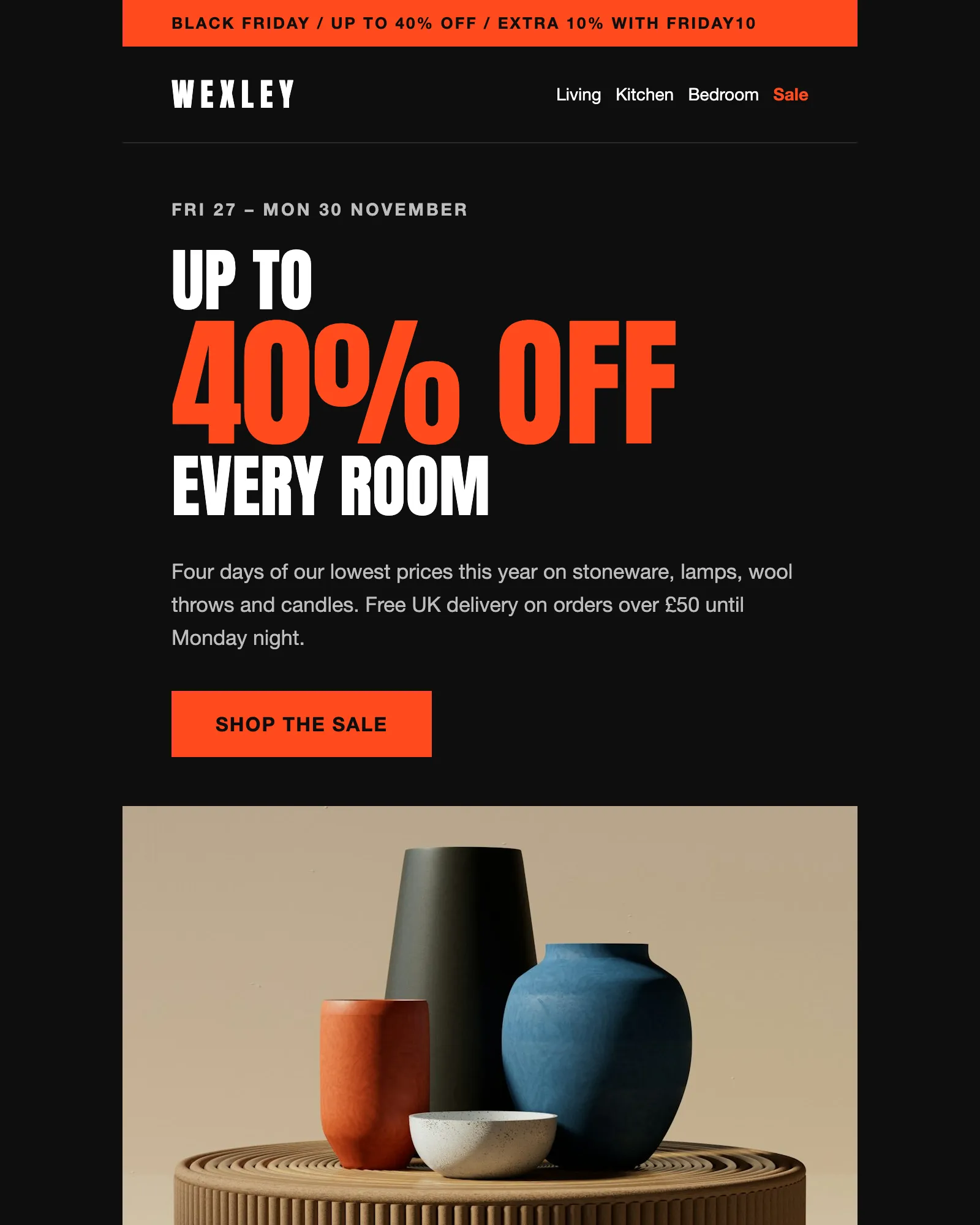
Black Friday · Sale · Ecommerce
Black Friday email template
A four-day sale with a headline discount, an extra code, six reduced products and the terms.
See the template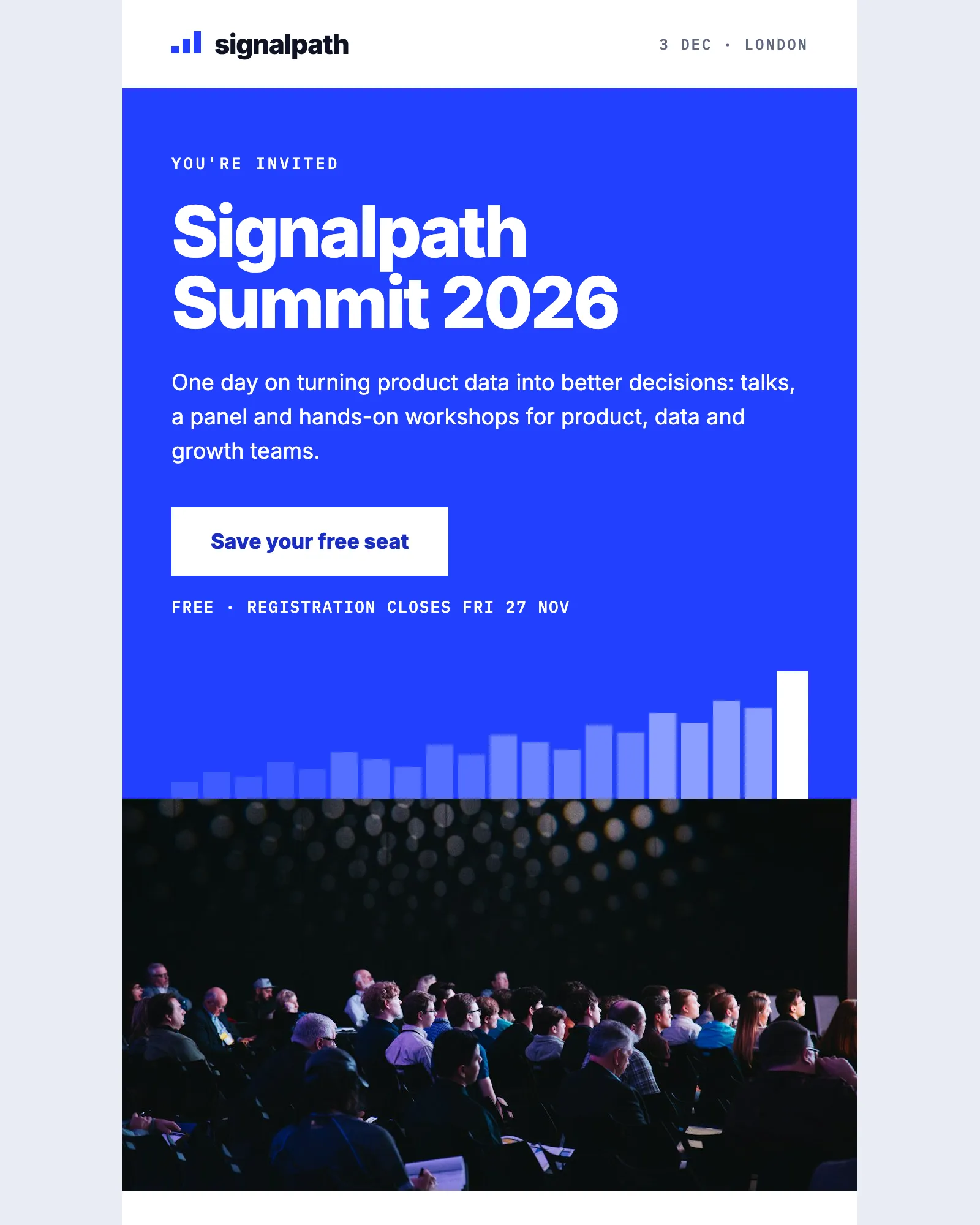
Event · Conference · Webinar
Event invitation email template
Invites people to a one-day event, with the agenda, speakers, venue and add-to-calendar links.
See the template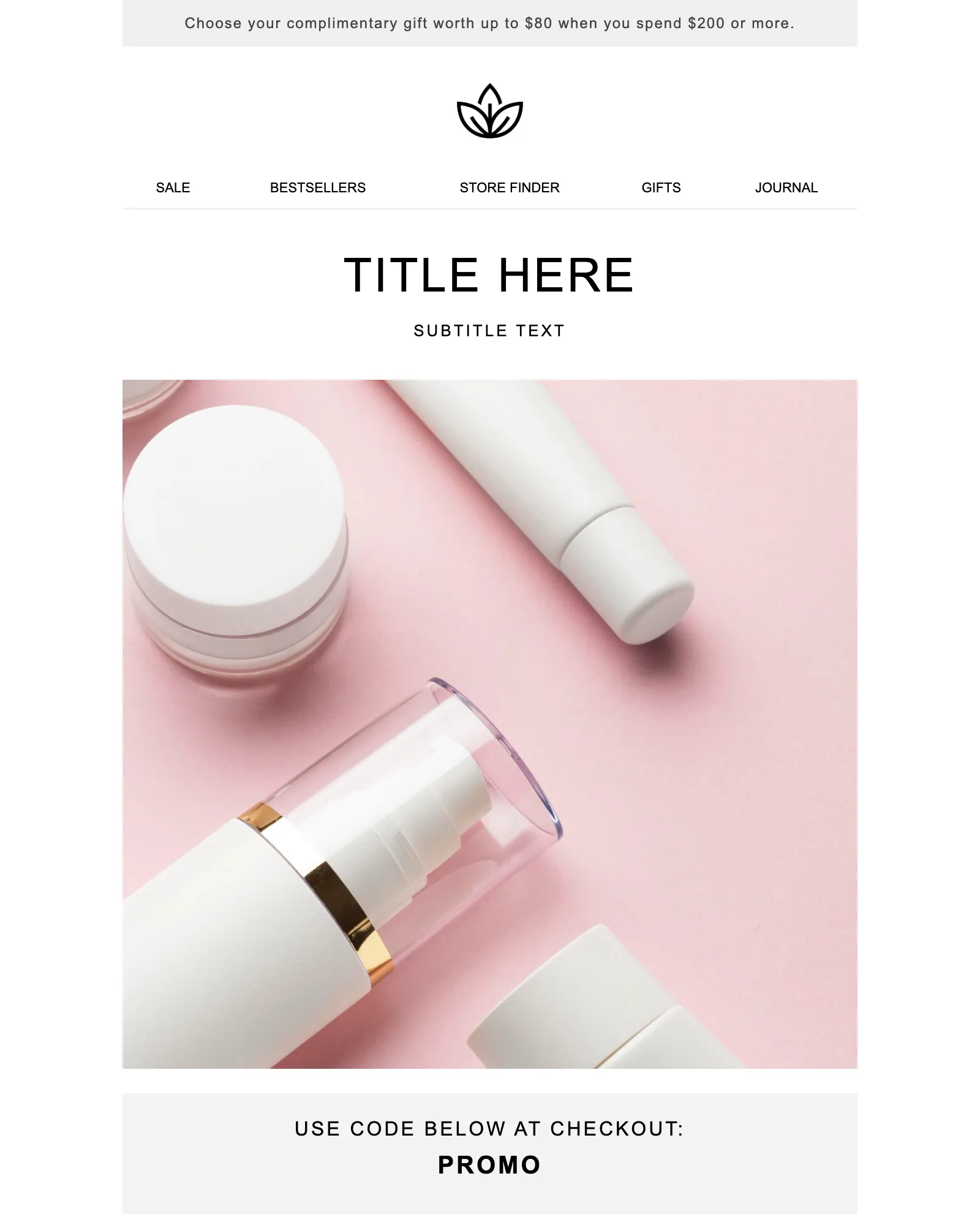
Promotion · Sale · Launch
Promotional email template
One offer and one button, with a promo code banner and the terms your legal team asks for.
See the template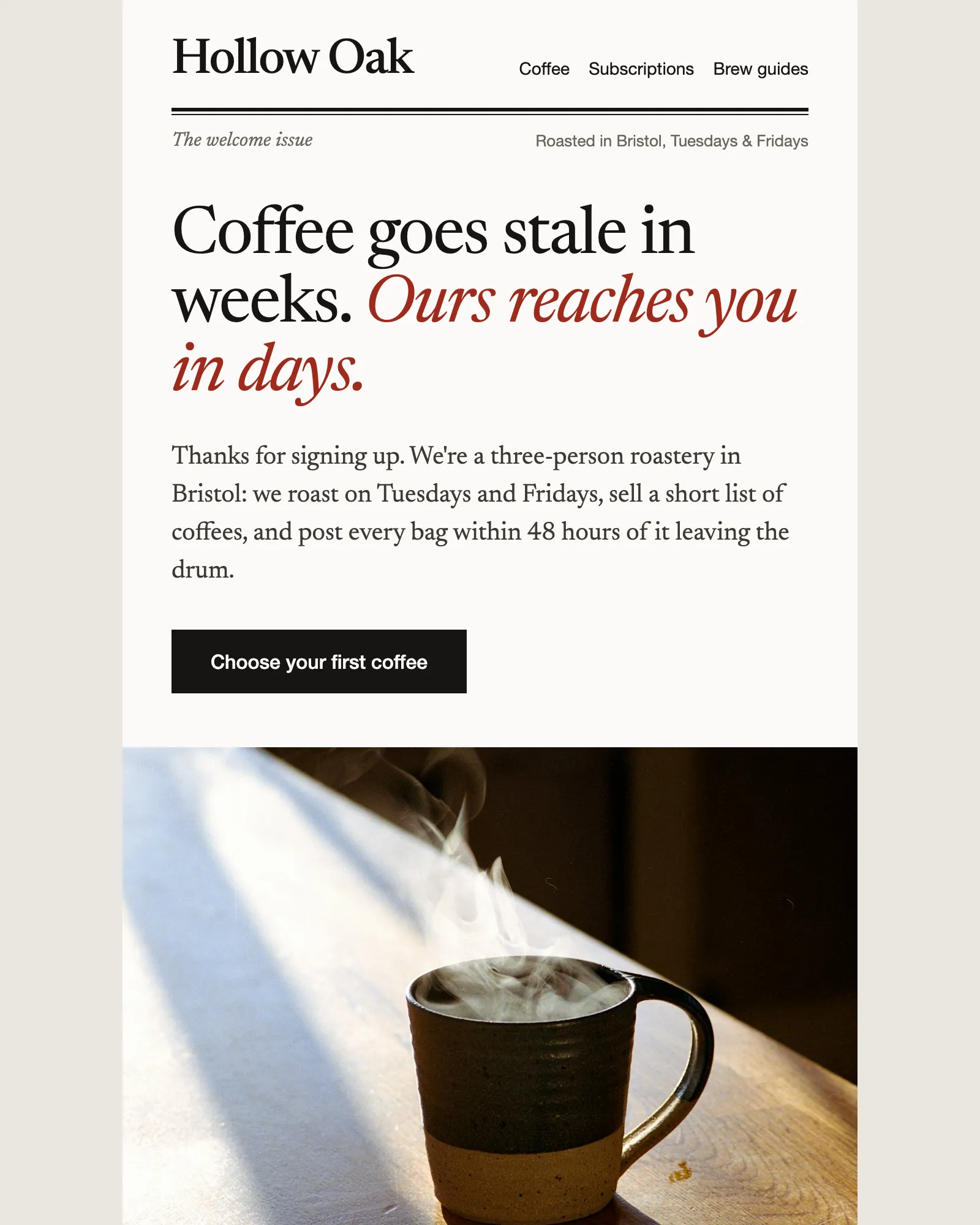
Welcome · Ecommerce · Discount code
Ecommerce welcome email template
Says hello, gives a first-order discount and recommends where to start, then hands over to the founder.
See the templateSee your own email in Modular Mail.
Send us a recent campaign. We'll rebuild it before the call, so you can see exactly how your team would work.