Black Friday email template
For Black Friday, Cyber Monday and any big sale: the headline discount, an extra code, your deepest reductions and the small print. Open it in the editor, put in your offer and export the HTML to Klaviyo, Braze, Salesforce Marketing Cloud or any other ESP.
No account needed. Your changes stay in your browser until you export the HTML.
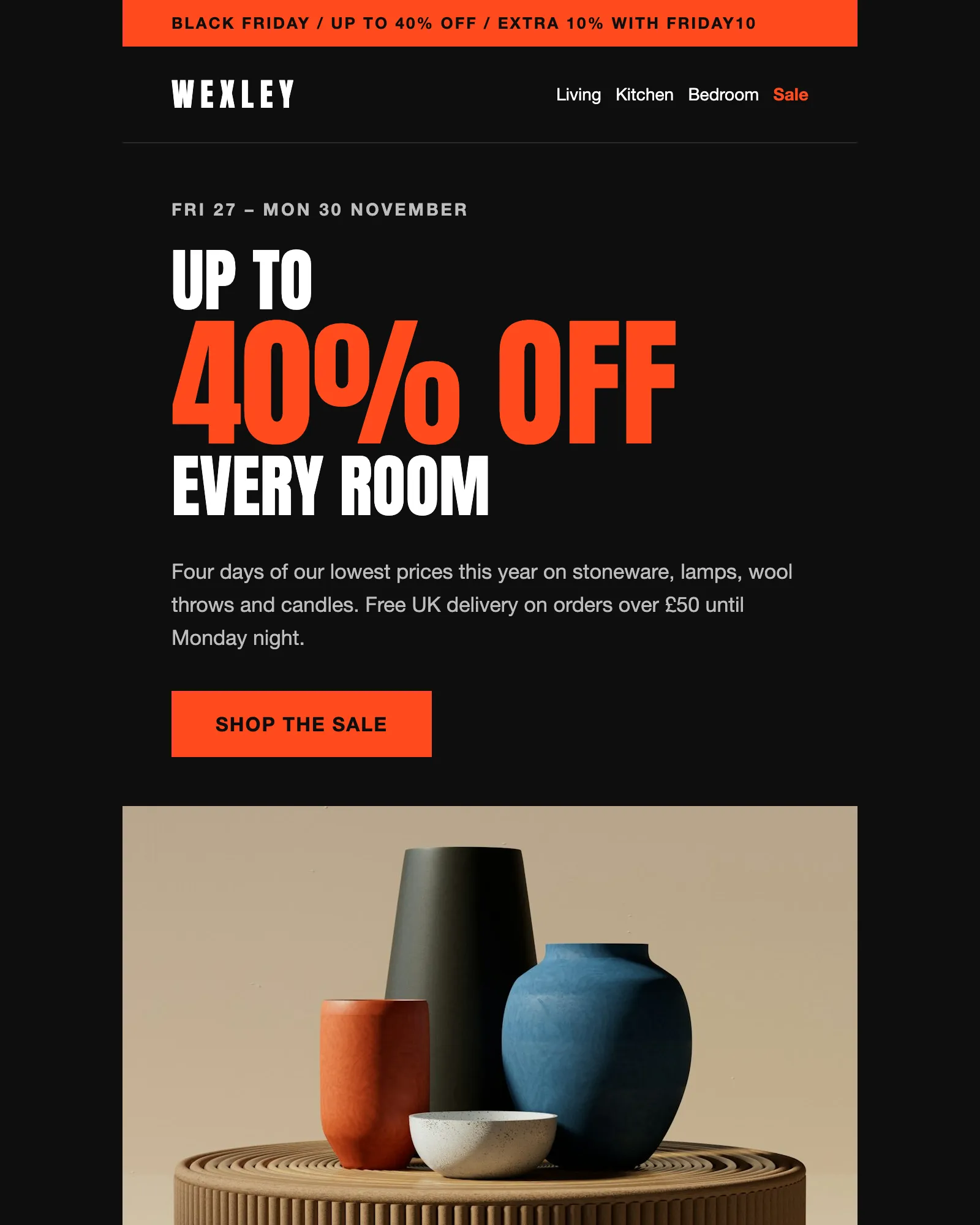
What a Black Friday email does
A Black Friday email competes with every other retailer’s for the same few days in the inbox. The ones that work put the discount in the subject line, repeat it in the headline and show real products at real prices, so nobody has to click to find out whether the sale is worth it.
They also carry the details people check before they buy: when the sale ends, what the code applies to and what the was prices refer to.
This template is built in that order. The Hero announces the sale, the Offer code adds an extra discount, the Product grid shows the deepest reductions, Shop by room sends people to the right category and the Small print covers the terms. Wexley is a made-up homeware brand, so change every product and price before you send.
What's in the template
Five modules between the header and the footer. Remove the code for a sale without one, or add product cards in threes.
From this page to your ESP
Three steps, and none of them involves code.
- Open it in the editorClick Open in editor. The template opens in Modular Mail's editor in your browser, with no account to create and nothing to install.
- Put in your offerType the dates, discounts, code and products into the fields, then add, remove or drag modules into the order you want. Check the desktop and mobile previews as you go. Your changes stay in this browser until you reset them.
- Export the HTMLClick Export, then Copy HTML or Download. Upload the file to your ESP, add your merge tags and unsubscribe tag, choose the segment and schedule the send.
Works with any ESP
Modular Mail exports the HTML and your ESP sends it. A few things to do once you've imported the file.
Exports to the ESP you already use
- Klaviyo
- Braze
- Salesforce Marketing Cloud
- Iterable
- Bloomreach
- HubSpot
- Marketo
- Customer.io
- Mailchimp
- and any platform that sends HTML email
What makes a good Black Friday email?
The discount in the subject line and the headline, the dates, and real products at real prices, so people can see the saving without clicking. Inboxes are crowded that weekend and the offer has to be readable at a glance. This template leads with the discount, then shows the code, the deepest reductions and the terms.
Is the template free, and do I need an account?
It's free and there's no account. Open it, edit it and export the HTML without signing up, adding a card or giving an email address.
Will it work with my ESP?
Yes, if your platform accepts HTML email. The exported file imports into Klaviyo, Braze, Salesforce Marketing Cloud, HubSpot, Marketo, Iterable, Mailchimp and Customer.io, among others.
Can I use it for Cyber Monday or another sale?
Yes. Change the dates, the headline and the strip across the top, and it works for Cyber Monday, a January sale or a flash sale. If the sale has no code, remove the Offer code module and take its line out of the Small print.
How many products can the grid show?
As many as you need. It shows six to start with, three to a row on desktop and two on mobile. Add or remove cards in threes so the desktop rows stay full.
Why does it say was instead of crossing out the old price?
Screen readers don't announce strikethrough, so a crossed-out price can be read out as the price. Writing “was £30” beside the sale price is clear to everyone, and the Small print says which period the was prices come from.
Does it work in dark mode?
Yes. The header, hero, room list and footer are dark already and stay that way, and the product grid and small print switch to dark colours in email clients that support it.
Can I build a whole Black Friday series from it?
Yes. Open it for each send, such as early access, the Friday launch, a Sunday reminder and a Monday last call. Change the headline and the products each time and the structure stays the same, so the series looks like one campaign.
Can I add my own modules?
With a Modular Mail workspace, yes. Your developer, your agency or our team adds modules to this template or builds your own from your HTML, and your team sees them in the editor straight away.
Other free templates
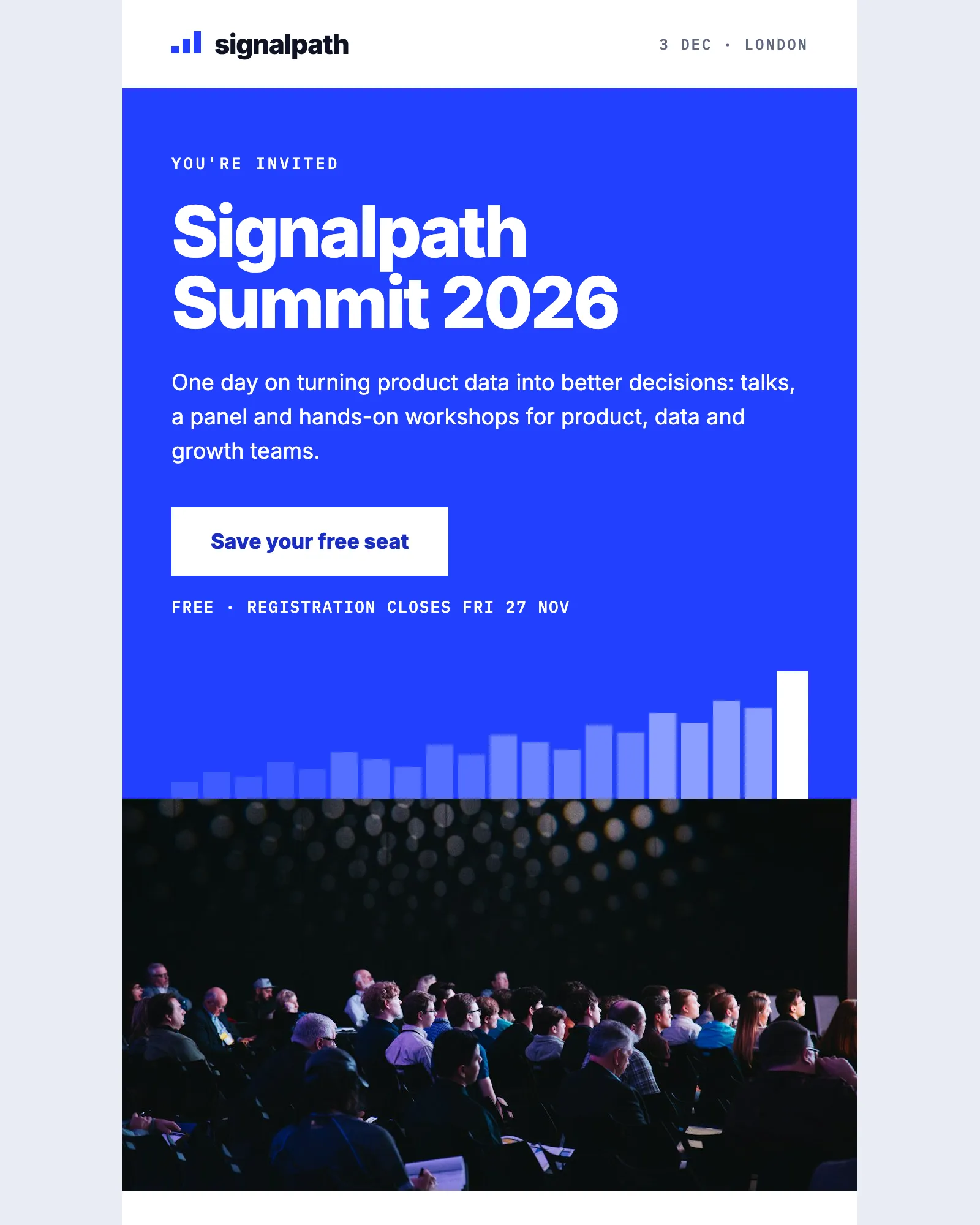
Event · Conference · Webinar
Event invitation email template
Invites people to a one-day event, with the agenda, speakers, venue and add-to-calendar links.
See the template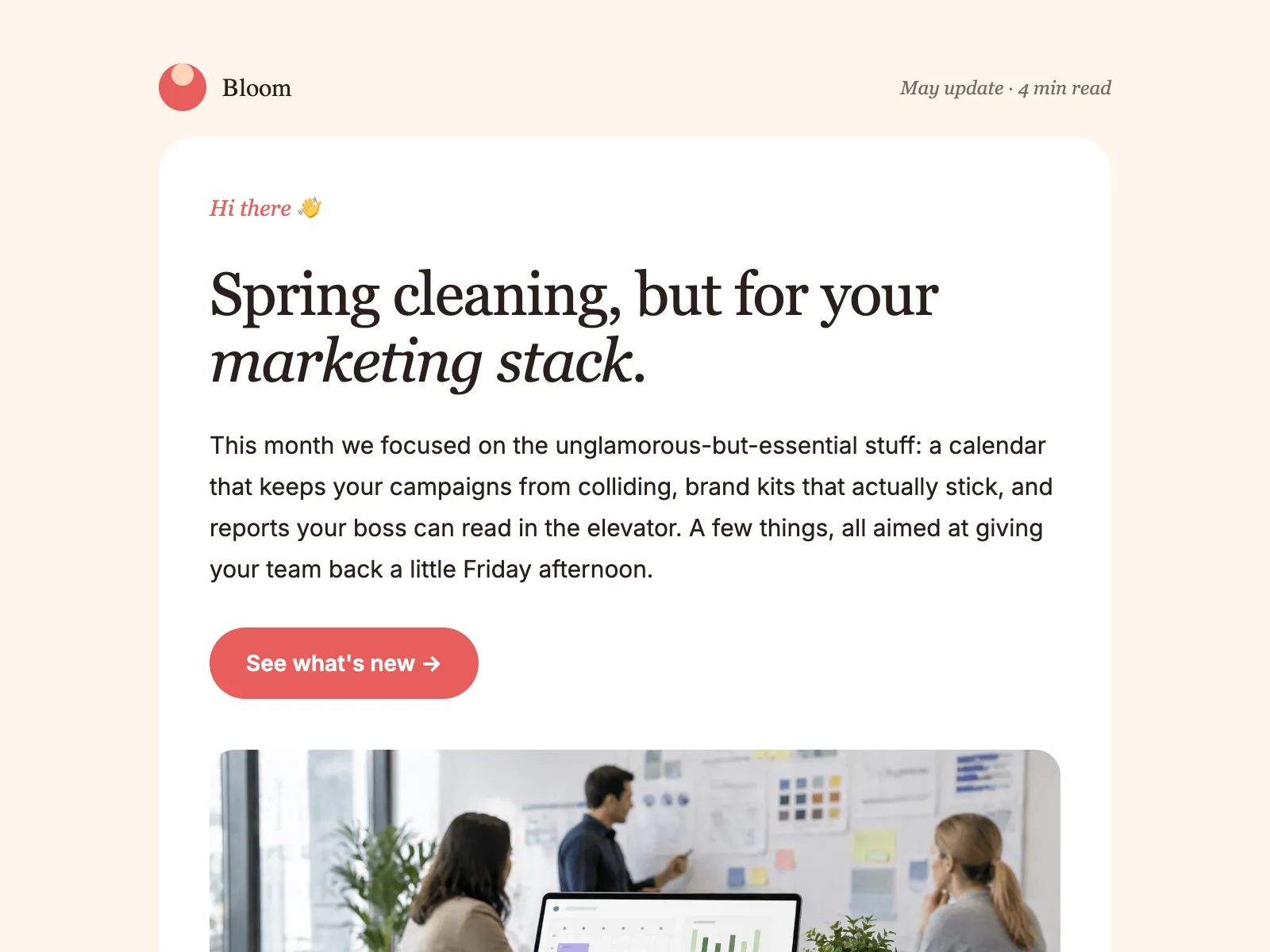
Newsletter · Product update · Company update
Monthly newsletter email template
An editorial layout for the email you send every month: a lead story, update blocks, tips and an event.
See the template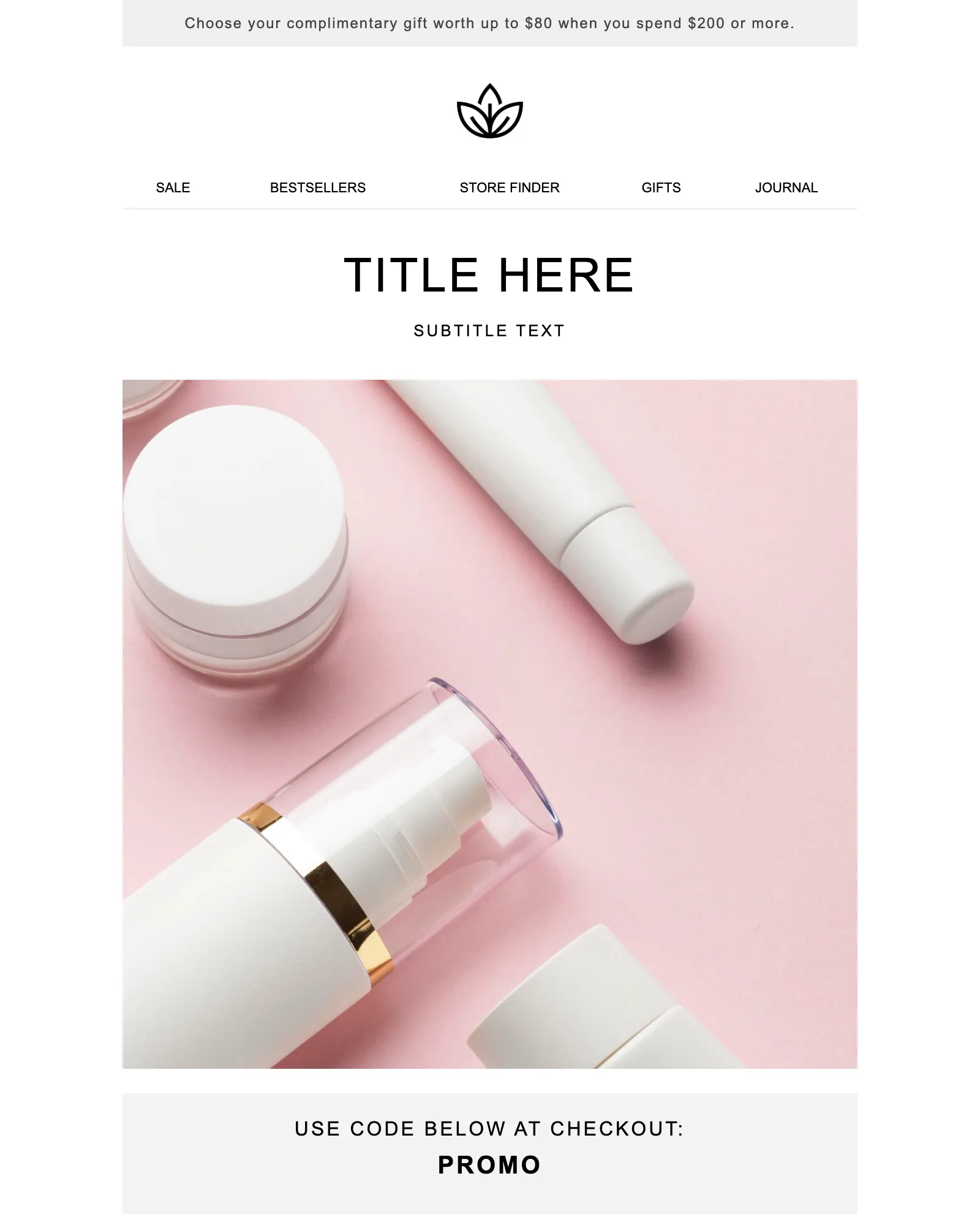
Promotion · Sale · Launch
Promotional email template
One offer and one button, with a promo code banner and the terms your legal team asks for.
See the template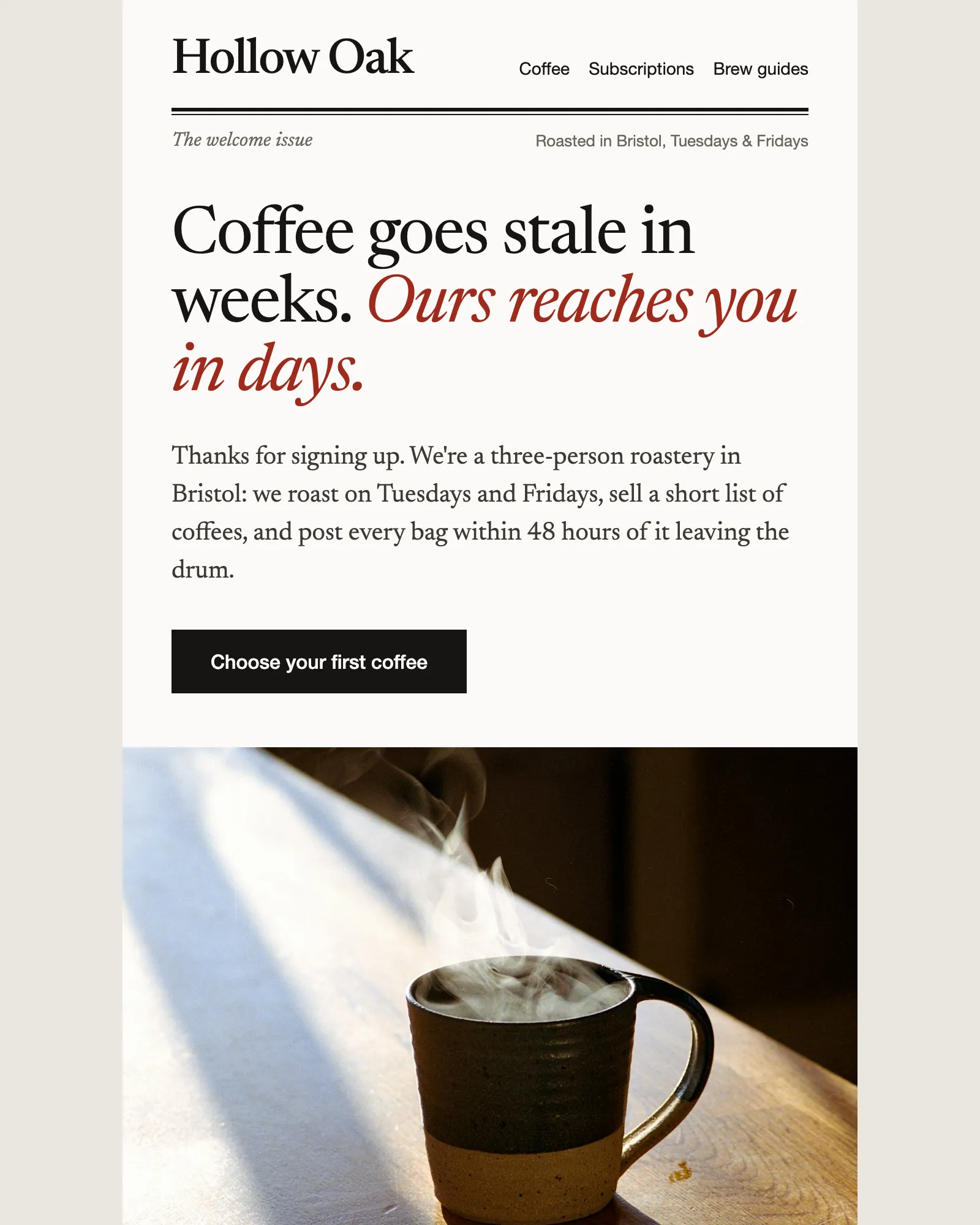
Welcome · Ecommerce · Discount code
Ecommerce welcome email template
Says hello, gives a first-order discount and recommends where to start, then hands over to the founder.
See the templateSee your own email in Modular Mail.
Send us a recent campaign. We'll rebuild it before the call, so you can see exactly how your team would work.