Free marketing email templates
Modular HTML email templates you can open in Modular Mail's editor with no account. Fill in the fields, add or remove modules and export clean HTML to Klaviyo, Braze, Salesforce Marketing Cloud or any other ESP.
The templates
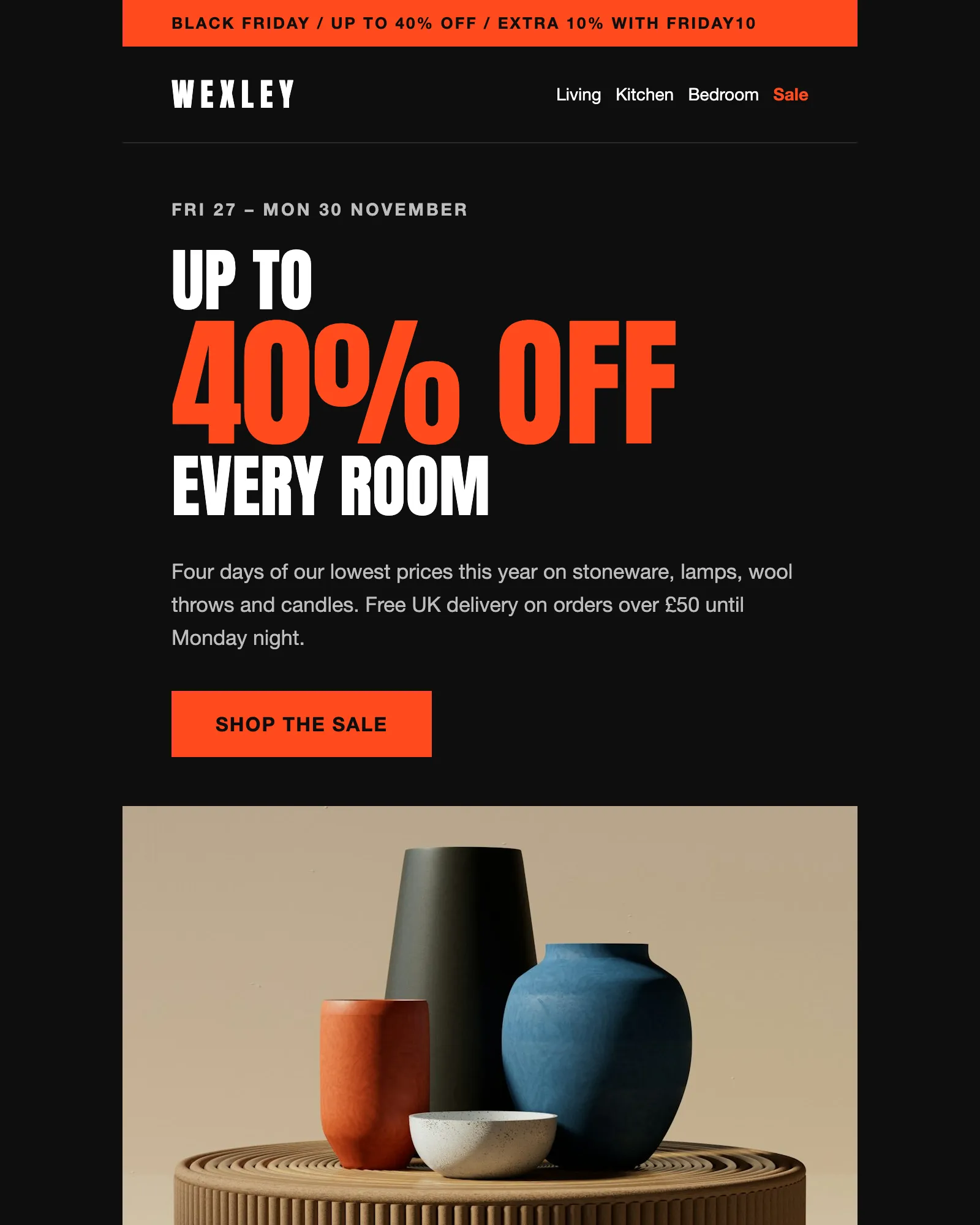
Black Friday · Sale · Ecommerce
Black Friday email template
A four-day sale with a headline discount, an extra code, six reduced products and the terms.
See the template
Event · Conference · Webinar
Event invitation email template
Invites people to a one-day event, with the agenda, speakers, venue and add-to-calendar links.
See the template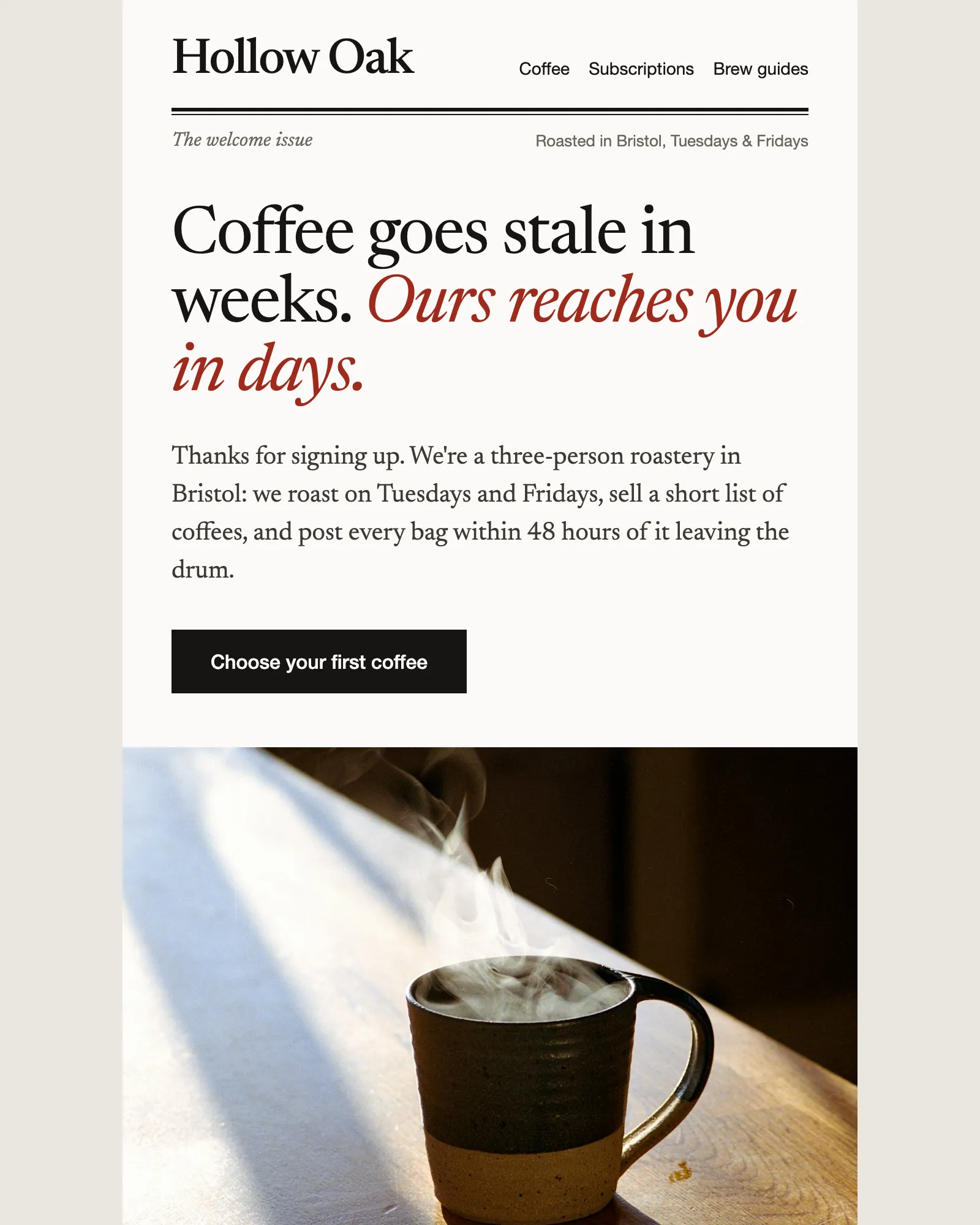
Welcome · Ecommerce · Discount code
Ecommerce welcome email template
Says hello, gives a first-order discount and recommends where to start, then hands over to the founder.
See the template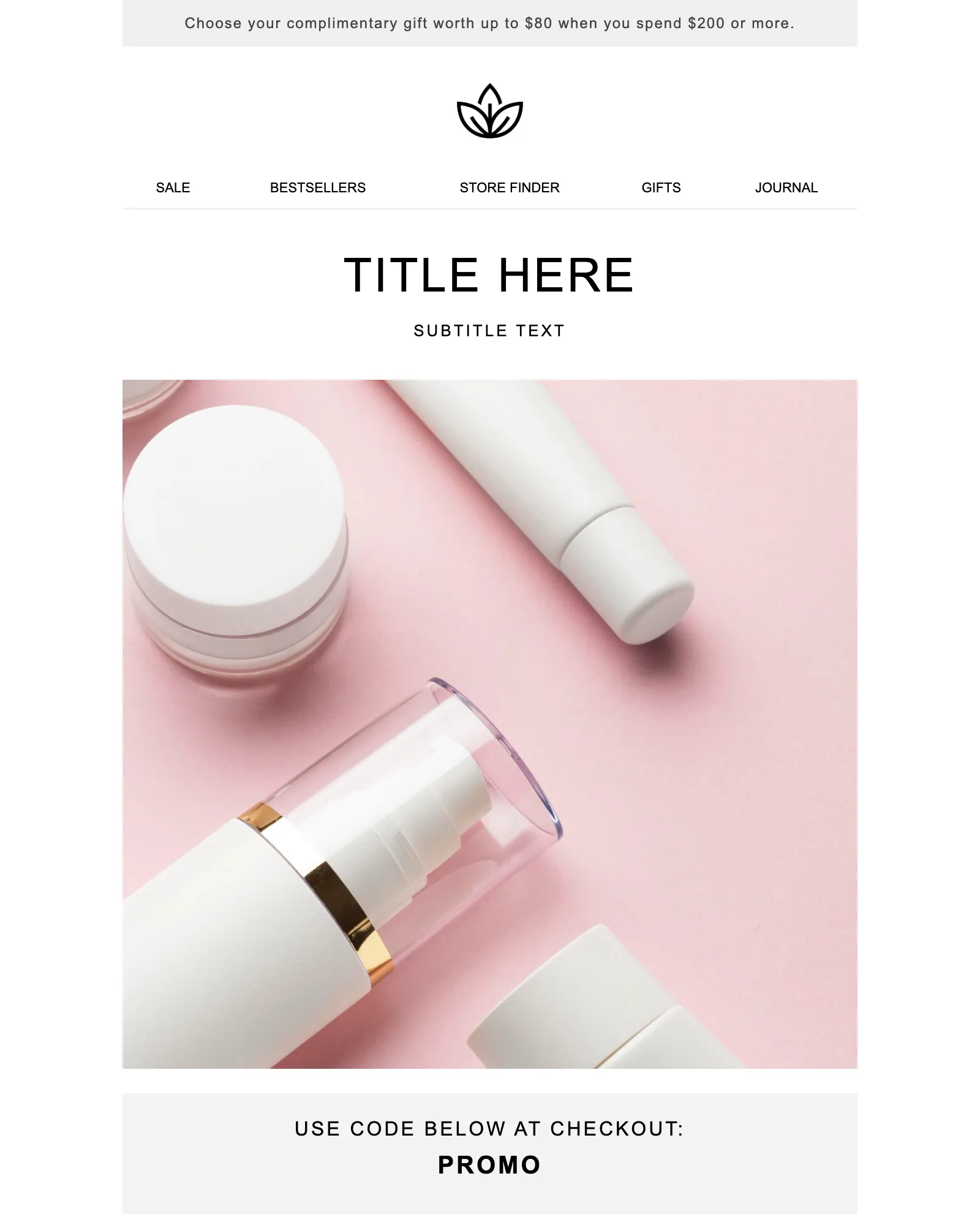
Promotion · Sale · Launch
Promotional email template
One offer and one button, with a promo code banner and the terms your legal team asks for.
See the template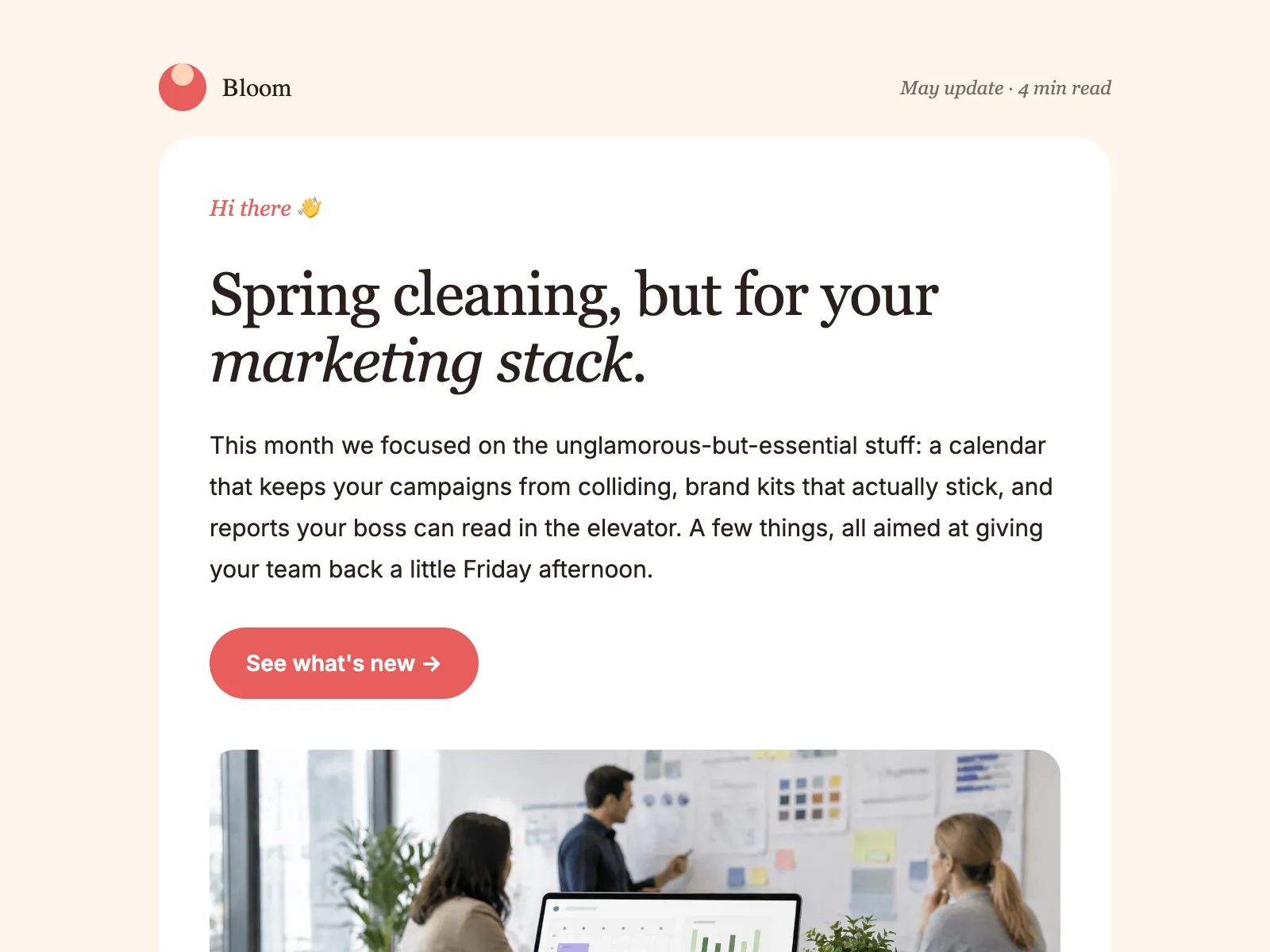
Newsletter · Product update · Company update
Monthly newsletter email template
An editorial layout for the email you send every month: a lead story, update blocks, tips and an event.
See the templateTemplates you reuse, not files you download once
A downloaded template is a file somebody edits by hand until a missing tag breaks it. A modular template is a fixed layout with parts you fill in, so every send starts from an email that already works.
Are the templates free?
Yes. Open any template, edit it and export the HTML. There's no account, no card and no email address to give.
Where are my changes saved?
In your browser, on this device. Nothing you type is sent to our servers. Come back on the same browser and your draft is still there, and Reset puts the template back as it started.
Which ESPs do the templates work with?
Any platform that accepts HTML email: Klaviyo, Braze, Salesforce Marketing Cloud, HubSpot, Marketo, Iterable, Customer.io, Mailchimp and the rest. Export gives you Copy HTML or Download, and you add your merge tags and unsubscribe link in your ESP.
What does modular mean?
The email is built from modules, such as a hero, a row of highlights or a footer, rather than one block of HTML. Each module has fields for its text, images and links, and the layout around the fields is locked. You add, remove and reorder modules; you never edit the markup. More on modular email templates
Can I edit a template without writing HTML?
Yes. Everything editable is a field in the editor, and the preview updates as you type. If you'd rather work in code, download the HTML and open it in any editor.
Can I use my own templates this way?
Yes, that's what Modular Mail is for. Your developer, your agency or our team marks the editable parts of your existing HTML with a data-mm attribute, and your team builds every campaign from the fields and modules that result, with comments and approval on the email itself. See how it works
See your own email in Modular Mail.
Send us a recent campaign. We'll rebuild it before the call, so you can see exactly how your team would work.