Event invitation email template
For conferences, summits, webinars and meetups: the date, the agenda, the speakers and a button to register. Open it in the editor, fill in your event and export the HTML to HubSpot, Marketo, Salesforce Marketing Cloud or any other ESP.
No account needed. Your changes stay in your browser until you export the HTML.
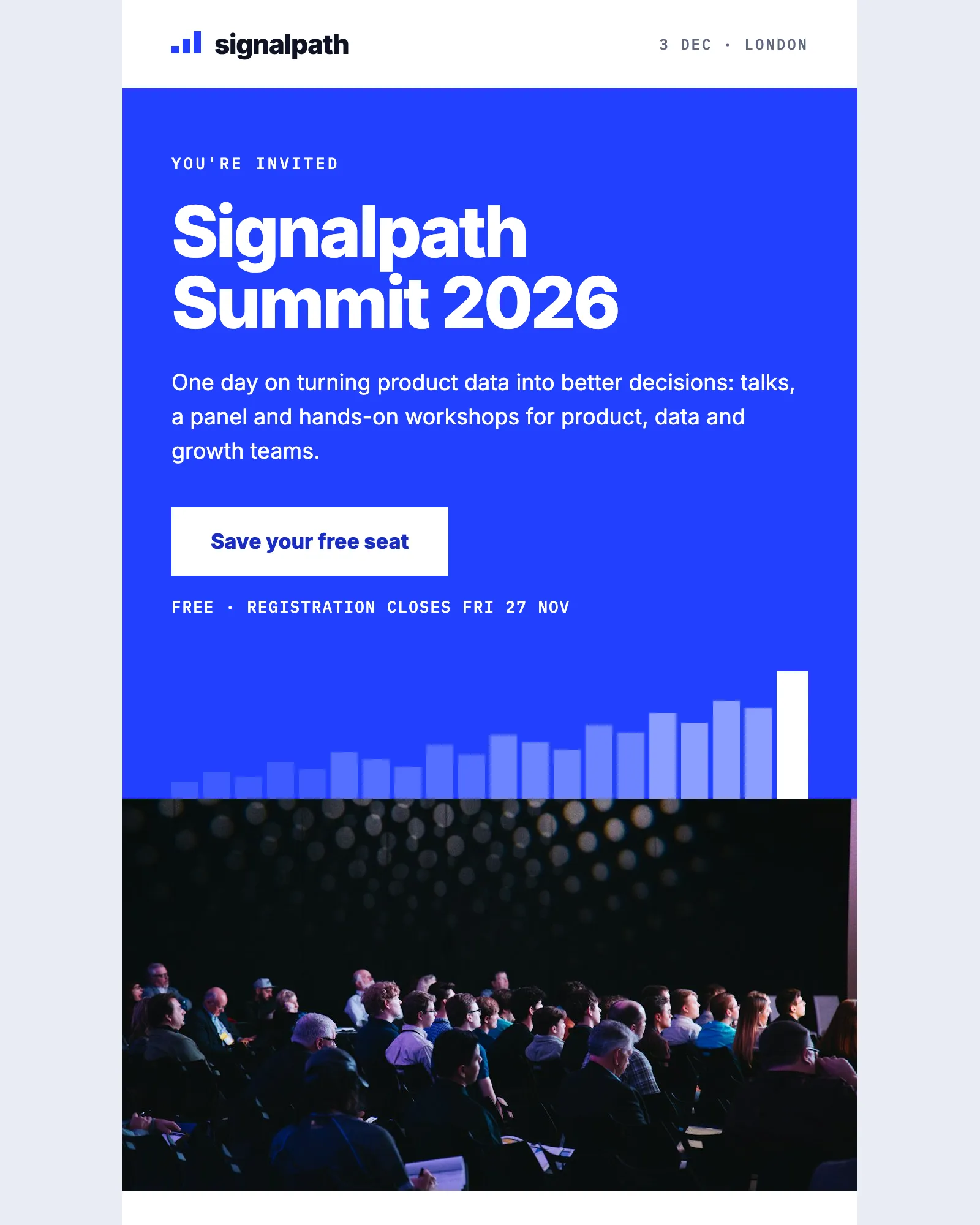
What an event invitation email does
An event invitation email asks people for a day, or an hour, of their time. It has to answer the practical questions first (when, where, what it costs and how to sign up) and then make the case for coming.
Most readers decide from the top of the email. If the date, the place and the button are there before they scroll, the rest is for the people who want to see the programme and who’s speaking before they commit.
This template follows that order. The Hero and Event details carry the essentials and the calendar links, then the Agenda, Speakers, Venue and Questions make the case, and Registration closes with the deadline. Signalpath Summit is a made-up event, so replace every detail before you send.
What's in the template
Seven modules between the header and the footer. Remove the venue for an online event, or the speakers for a small meetup.
From this page to your ESP
Three steps, and none of them involves code.
- Open it in the editorClick Open in editor. The template opens in Modular Mail's editor in your browser, with no account to create and nothing to install.
- Fill in your eventType the event name, date, agenda and speakers into the fields, then add, remove or drag modules into the order you want. Check the desktop and mobile previews as you go. Your changes stay in this browser until you reset them.
- Export the HTMLClick Export, then Copy HTML or Download. Upload the file to your ESP, add your merge tags and unsubscribe tag, choose the list and schedule the send.
Works with any ESP
Modular Mail exports the HTML and your ESP sends it. A few things to do once you've imported the file.
Exports to the ESP you already use
- Klaviyo
- Braze
- Salesforce Marketing Cloud
- Iterable
- Bloomreach
- HubSpot
- Marketo
- Customer.io
- Mailchimp
- and any platform that sends HTML email
What should an event invitation email include?
The event's name, the date and time, where it is or how to watch, what it costs and one clear way to register. After that, the agenda and speakers do most of the persuading. This template puts the essentials in the Hero and Event details, so someone who reads no further still knows when and where, and the Agenda, Speakers and Questions follow for people deciding whether to come.
Is the template free, and do I need an account?
It's free and there's no account. Open it, edit it and export the HTML without signing up, adding a card or giving an email address.
Will it work with my ESP?
Yes, if your platform accepts HTML email. The exported file imports into HubSpot, Marketo, Salesforce Marketing Cloud, Braze, Klaviyo, Iterable, Mailchimp and Customer.io, among others.
Does it work for a webinar or an online event?
Yes. Remove the Venue module, change Event details to say where to watch and make the livestream link the main button in Registration. The Agenda and Speakers work the same online.
How do the add-to-calendar links work?
The Google and Outlook links are ordinary URLs with the event's details written into them, so update them whenever the event changes. The Apple link points to an .ics file, which you host on your own site.
Why are the speakers shown as initials?
Signalpath and its speakers are made up, so the template uses monogram tiles rather than real people's faces next to invented names. Add headshots when you use it, with each speaker's permission.
Can I reuse it for a save the date and a reminder?
Yes. Open the template once for each send. A save the date only needs the Hero and Event details, and a reminder can lead with the Agenda and Registration. Because the structure stays the same, the invitation, the reminder and the last call look like one campaign.
Can I add my own modules?
With a Modular Mail workspace, yes. Your developer, your agency or our team adds modules to this template or builds your own from your HTML, and your team sees them in the editor straight away.
Other free templates
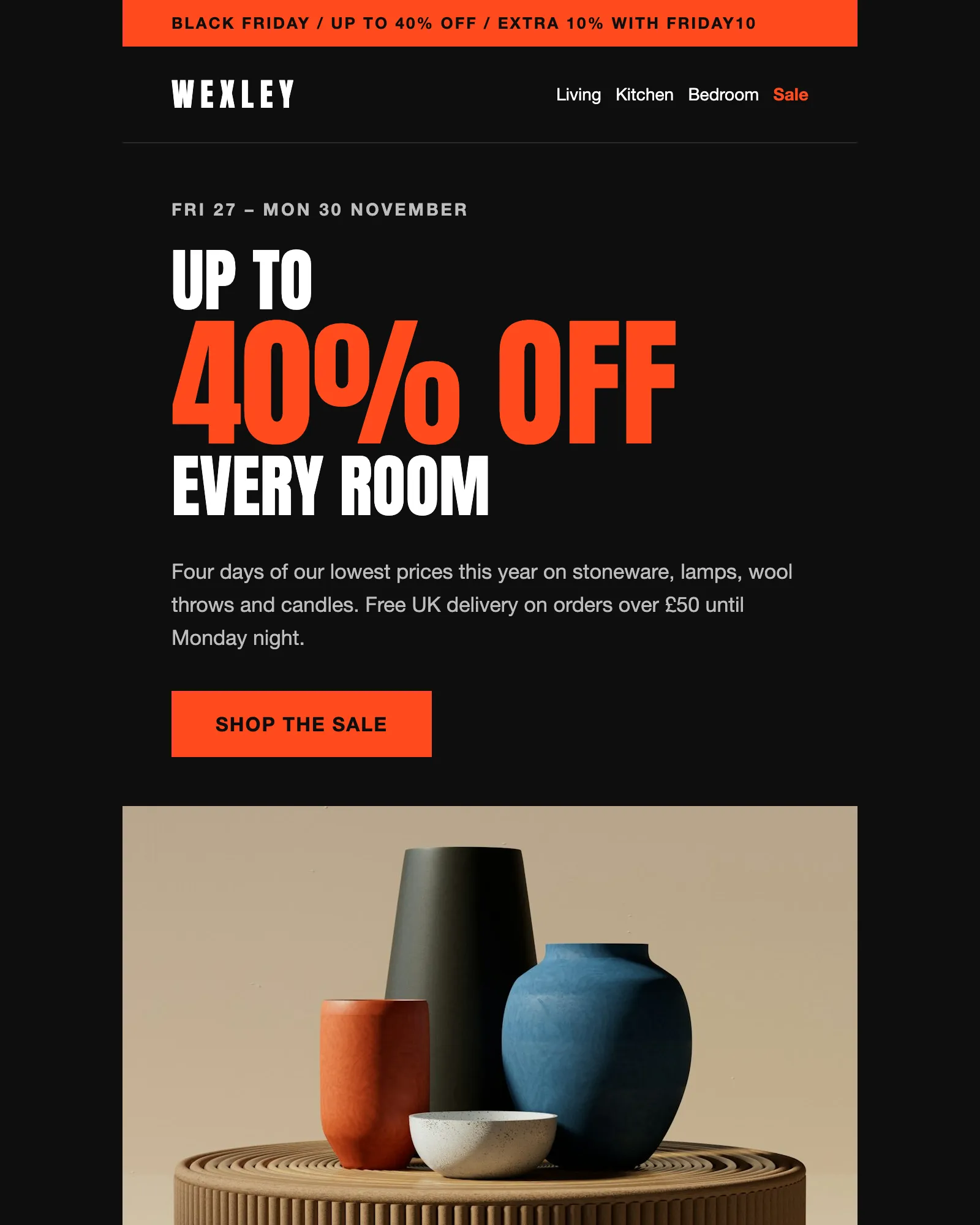
Black Friday · Sale · Ecommerce
Black Friday email template
A four-day sale with a headline discount, an extra code, six reduced products and the terms.
See the template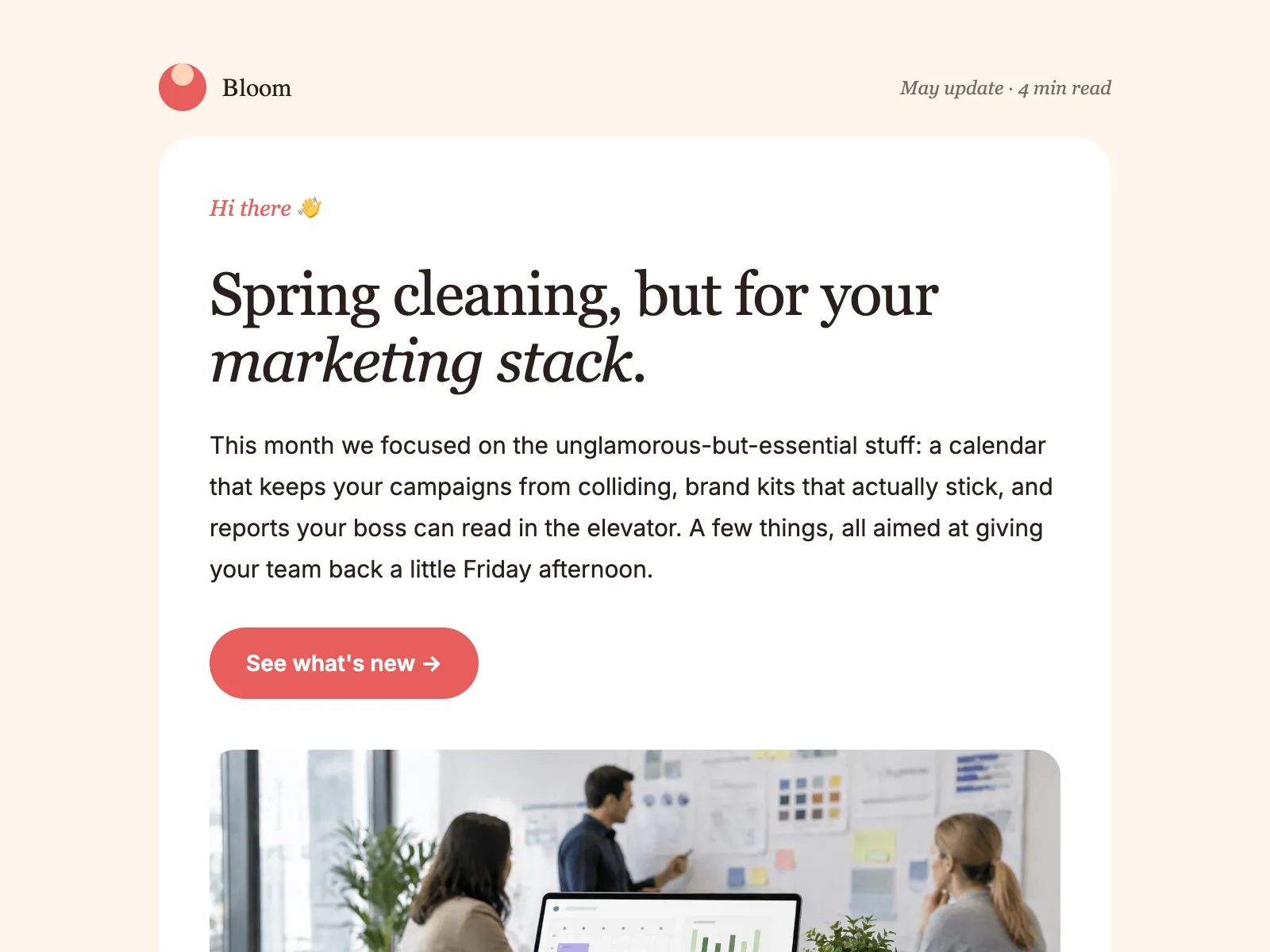
Newsletter · Product update · Company update
Monthly newsletter email template
An editorial layout for the email you send every month: a lead story, update blocks, tips and an event.
See the template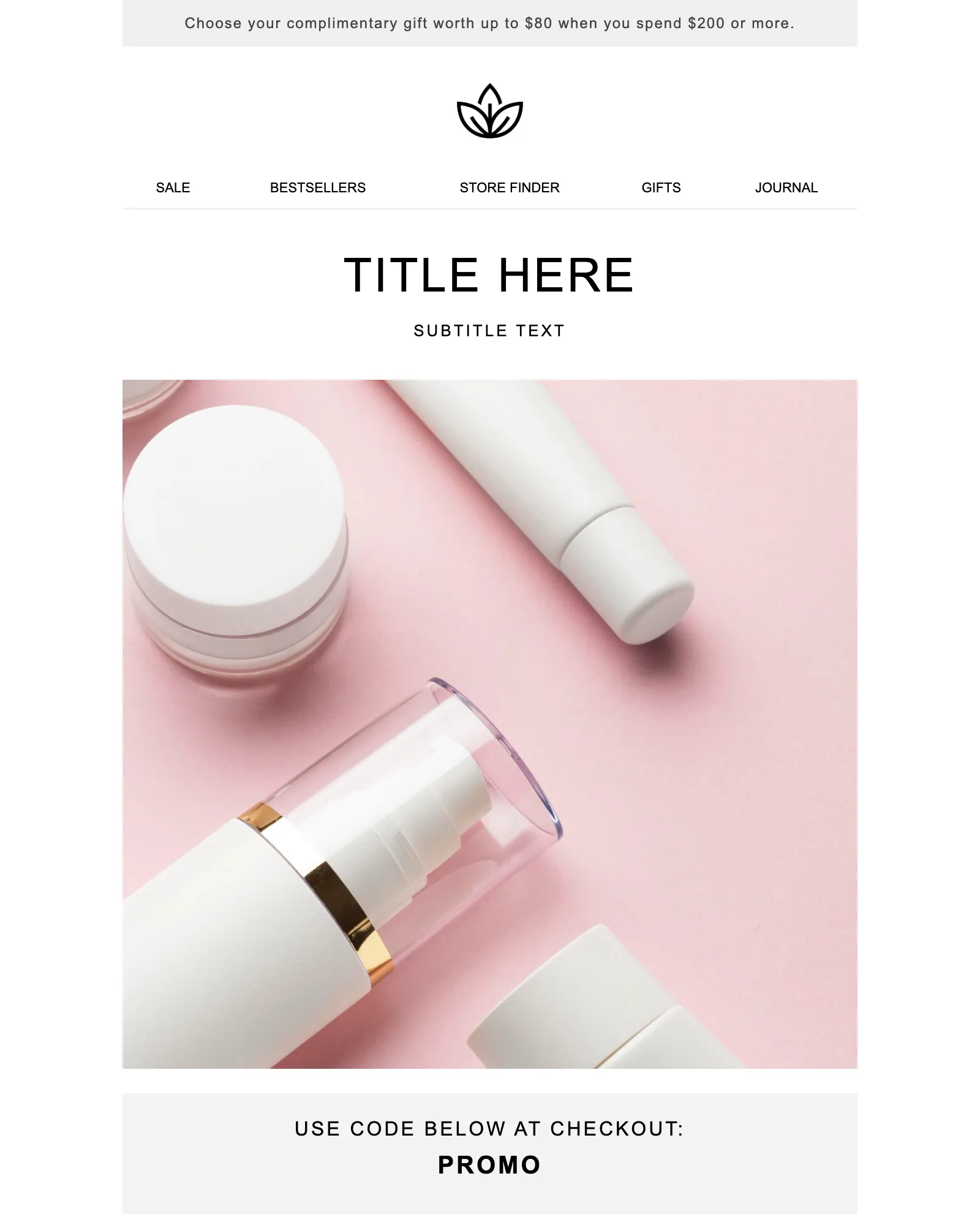
Promotion · Sale · Launch
Promotional email template
One offer and one button, with a promo code banner and the terms your legal team asks for.
See the template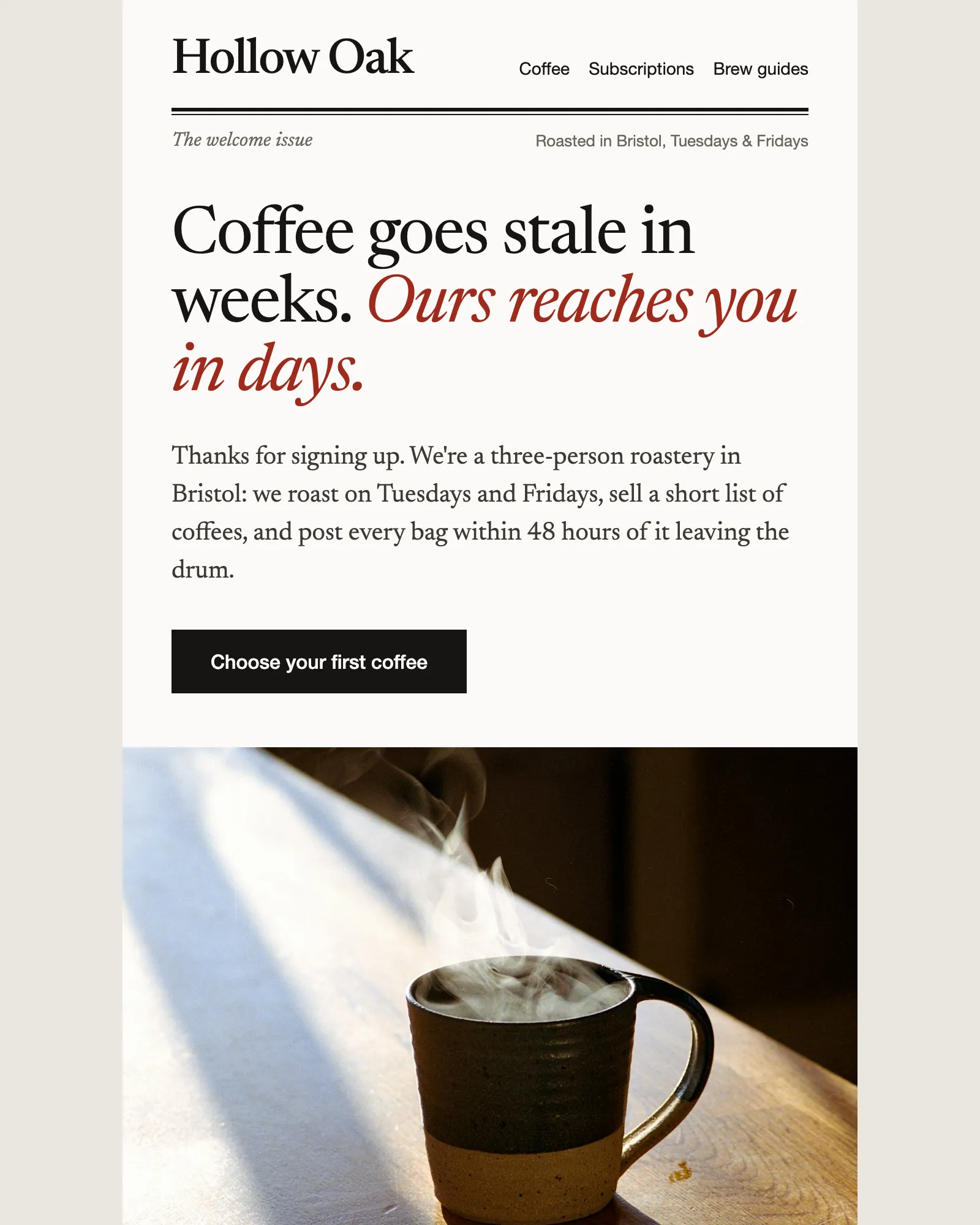
Welcome · Ecommerce · Discount code
Ecommerce welcome email template
Says hello, gives a first-order discount and recommends where to start, then hands over to the founder.
See the templateSee your own email in Modular Mail.
Send us a recent campaign. We'll rebuild it before the call, so you can see exactly how your team would work.