Ecommerce welcome email template
For new subscribers to an ecommerce or subscription brand: a hello, a first-order discount, where to start and a note from the founder. Open it in the editor, fill in the fields and export the HTML to Klaviyo, Braze, Salesforce Marketing Cloud or any other ESP.
No account needed. Your changes stay in your browser until you export the HTML.
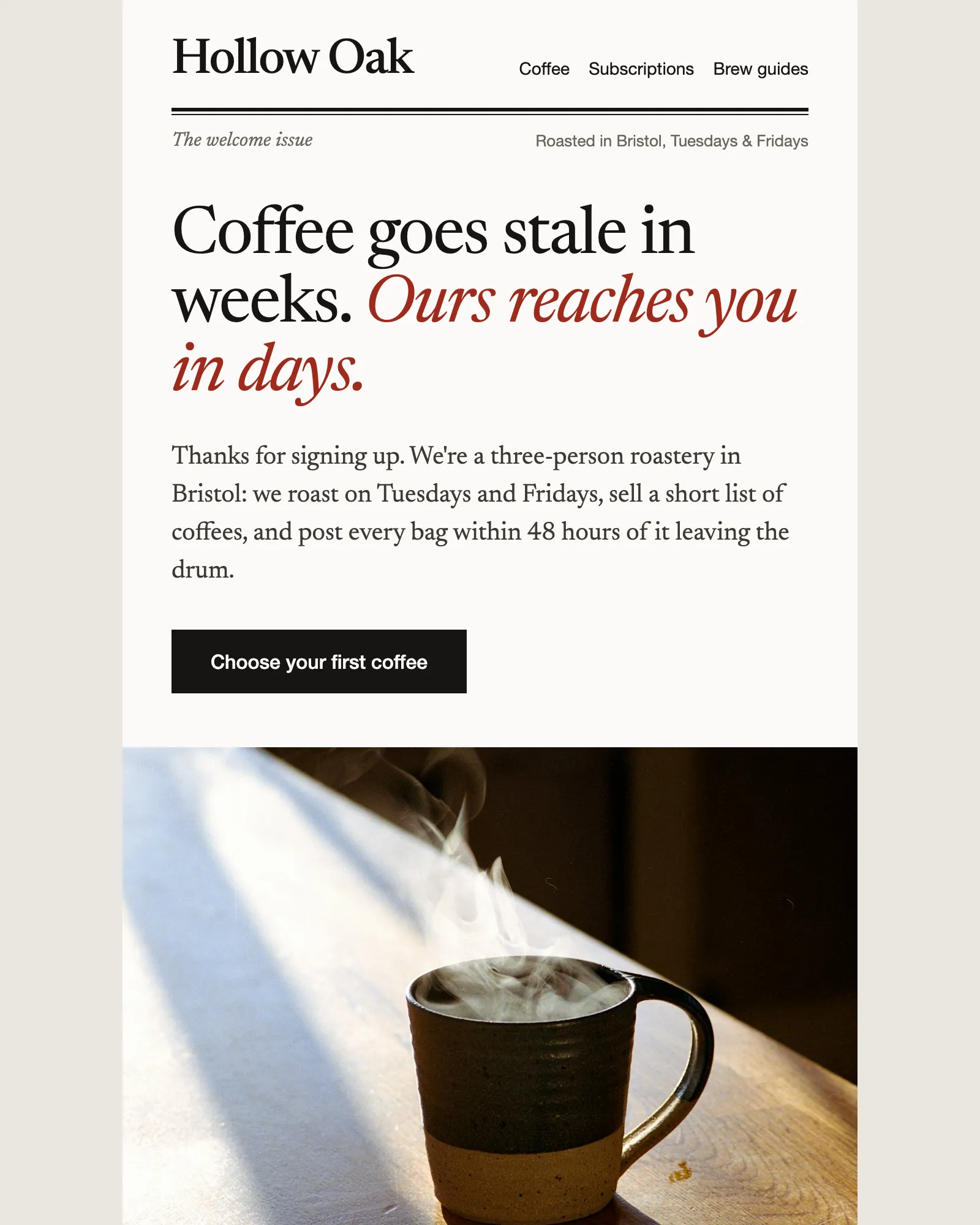
What a welcome email does
A welcome email is the first message someone receives after they subscribe or sign up. It confirms that it worked, tells them what to expect from you and gives them a reason to come back.
It arrives while interest is at its highest. For a small brand that’s the moment to sound like yourselves: who you are, what makes the product different and where a first-time customer should start.
This template is built around that. It opens with a headline that makes one point about the product, offers a first-order discount, answers the questions people have before a first delivery, recommends three products and ends with a note from the founder that people can reply to. Use the modules your welcome needs and remove the rest.
What's in the template
Five modules between the header and the footer. Keep the ones your welcome needs and remove the rest.
From this page to your ESP
Three steps, and none of them involves code.
- Open it in the editorClick Open in editor. The template opens in Modular Mail's editor in your browser, with no account to create and nothing to install.
- Fill in the fieldsType your headline, discount code, products and founder's note into the fields, then add, remove or drag modules into the order you want. Check the desktop and mobile previews as you go. Your changes stay in this browser until you reset them.
- Export the HTMLClick Export, then Copy HTML or Download. Upload the file to your ESP and finish it there: personalisation tags, the unsubscribe link and the automation that sends it.
Works with any ESP
Modular Mail exports the HTML and your ESP sends it. A few things to do once you've imported the file.
Exports to the ESP you already use
- Klaviyo
- Braze
- Salesforce Marketing Cloud
- Iterable
- Bloomreach
- HubSpot
- Marketo
- Customer.io
- Mailchimp
- and any platform that sends HTML email
What should a welcome email include?
A welcome email confirms that the signup worked and says what happens next. A dependable shape is a hello that sets expectations, a reason to place a first order, a few places to start and a person to reply to. This template follows that order: the Hero says hello, the Discount offer gives the first-order code, Product picks recommends where to start and the Founder's note signs off.
Is the template free, and do I need an account?
It's free and there's no account. Open it, edit it and export the HTML without signing up, adding a card or giving an email address.
Where are my changes saved?
In your browser, on this device. Nothing you type is sent to our servers, so your draft is still there when you come back on the same browser. Reset puts the email back as it started.
Will it work with my ESP?
Yes, if your platform accepts HTML email. The exported file imports into Klaviyo, Braze, Salesforce Marketing Cloud, HubSpot, Marketo, Iterable, Mailchimp and Customer.io, among others.
Should a welcome email include a discount?
It often helps an ecommerce brand, because a first-order code gives a new subscriber a reason to buy while they're paying attention. It isn't required. Remove the Discount offer module and the email closes up around it, which suits a brand that doesn't discount.
Does it only work for coffee?
No. Hollow Oak is a made-up roastery, there so the template reads like a real email. Change the products, photos and copy and it suits tea, food and drink, beauty, homeware or any brand with a short range. The meter in Product picks shows roast level; change it to suit your products or delete it.
Can I use it for a welcome series?
Yes. Open the template once for each email in the sequence. The first send carries the hello and the offer, and later ones can lead with Product picks or the Founder's note instead. Because the structure is the same each time, the series reads as one voice even when different people write the emails.
Should I personalise it?
Where you have the data, yes. Add your ESP's first-name tag after you import the HTML. If your signup form doesn't ask for a name, a plain hello reads better than a fallback token.
Can I add my own modules?
With a Modular Mail workspace, yes. Your developer, your agency or our team adds modules to this template or builds your own from your HTML, and your team sees them in the editor straight away.
Other free templates
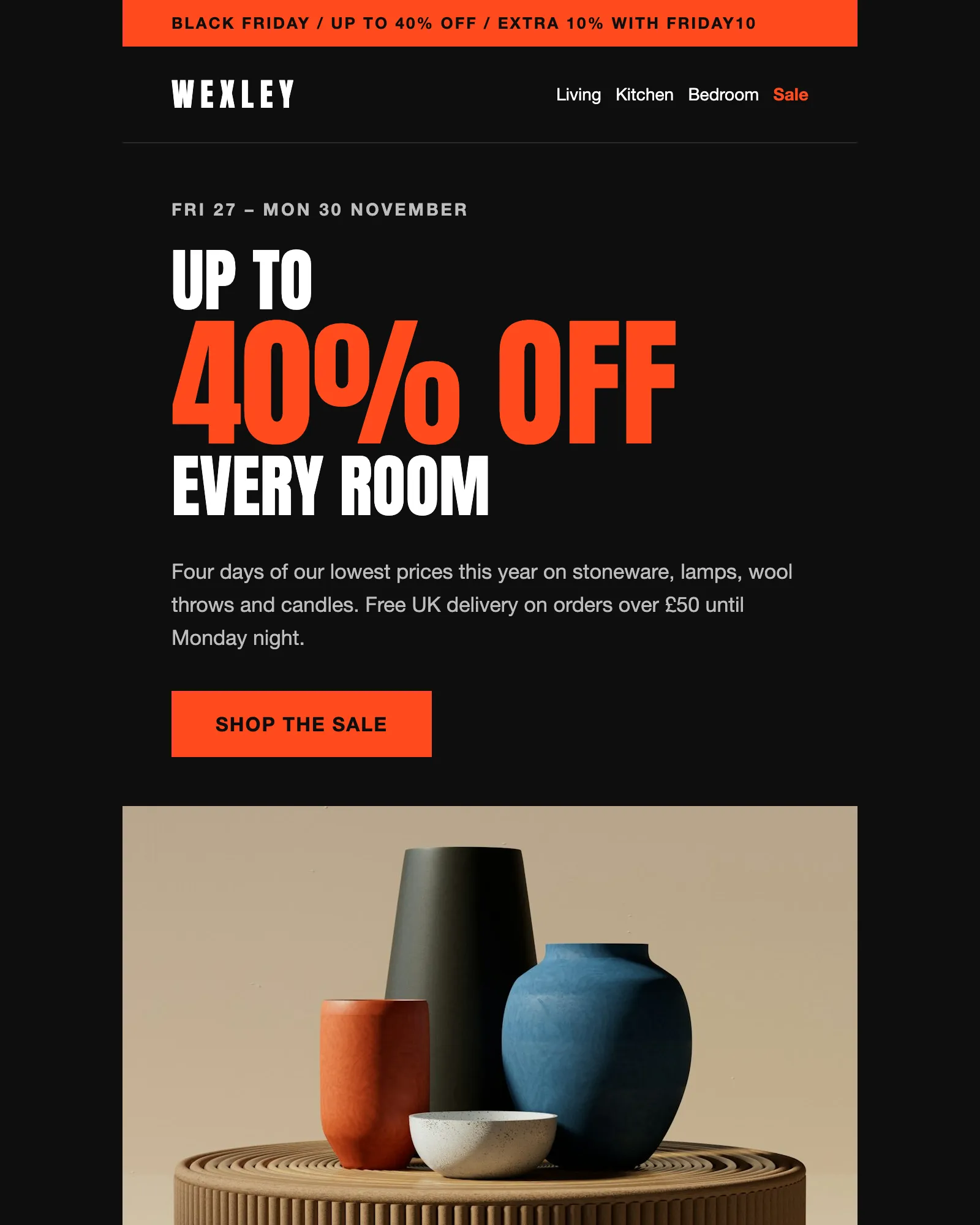
Black Friday · Sale · Ecommerce
Black Friday email template
A four-day sale with a headline discount, an extra code, six reduced products and the terms.
See the template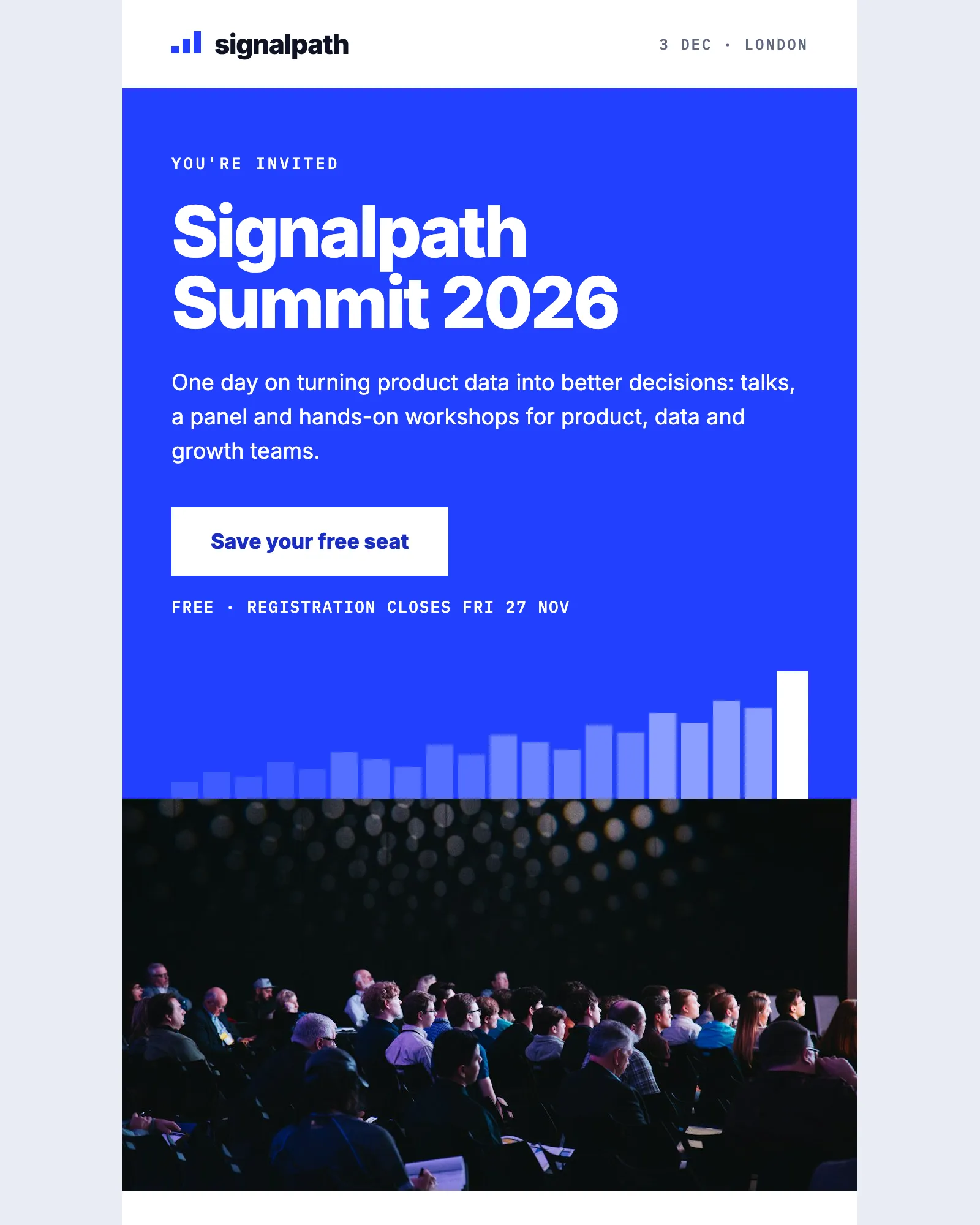
Event · Conference · Webinar
Event invitation email template
Invites people to a one-day event, with the agenda, speakers, venue and add-to-calendar links.
See the template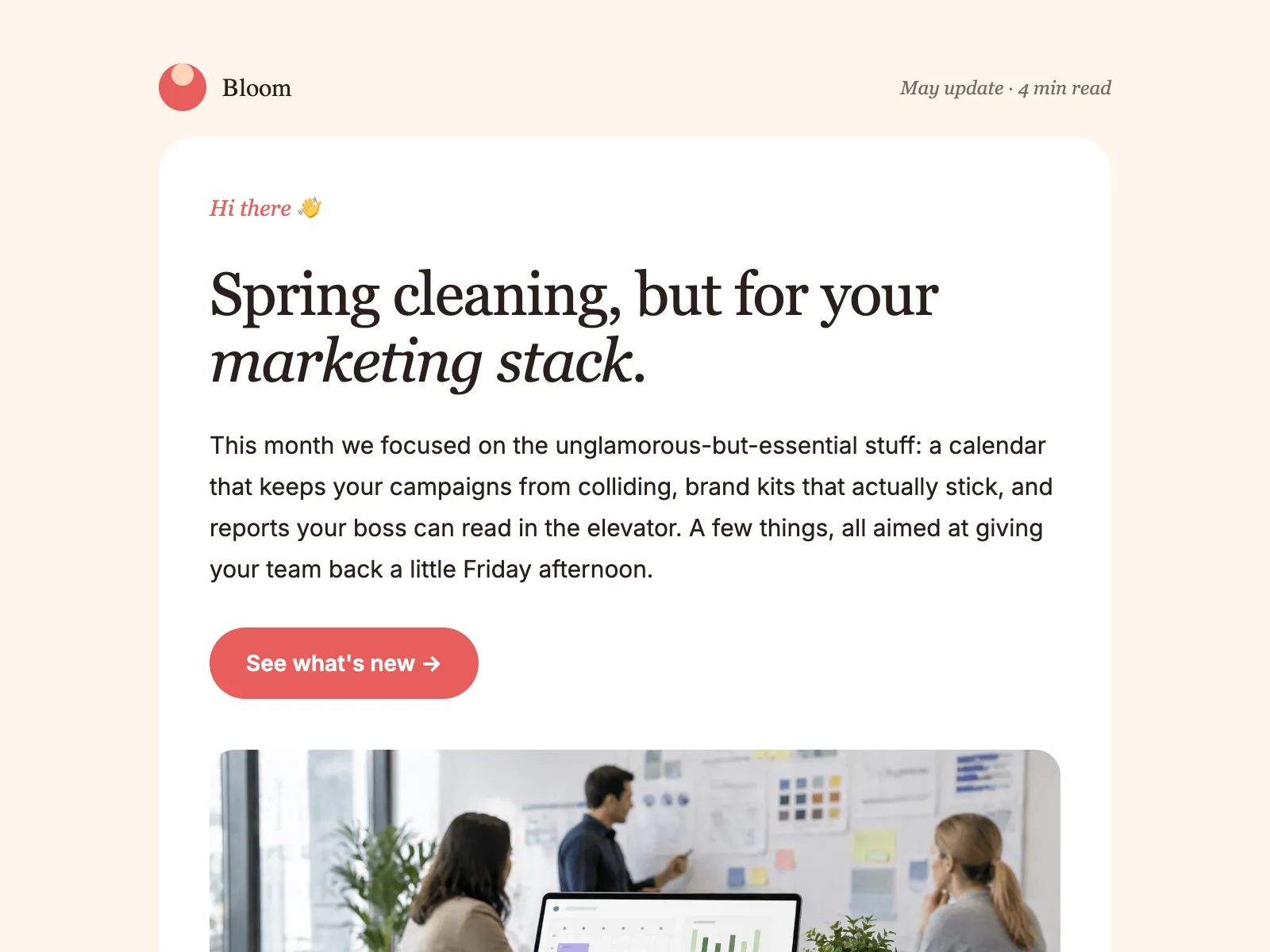
Newsletter · Product update · Company update
Monthly newsletter email template
An editorial layout for the email you send every month: a lead story, update blocks, tips and an event.
See the template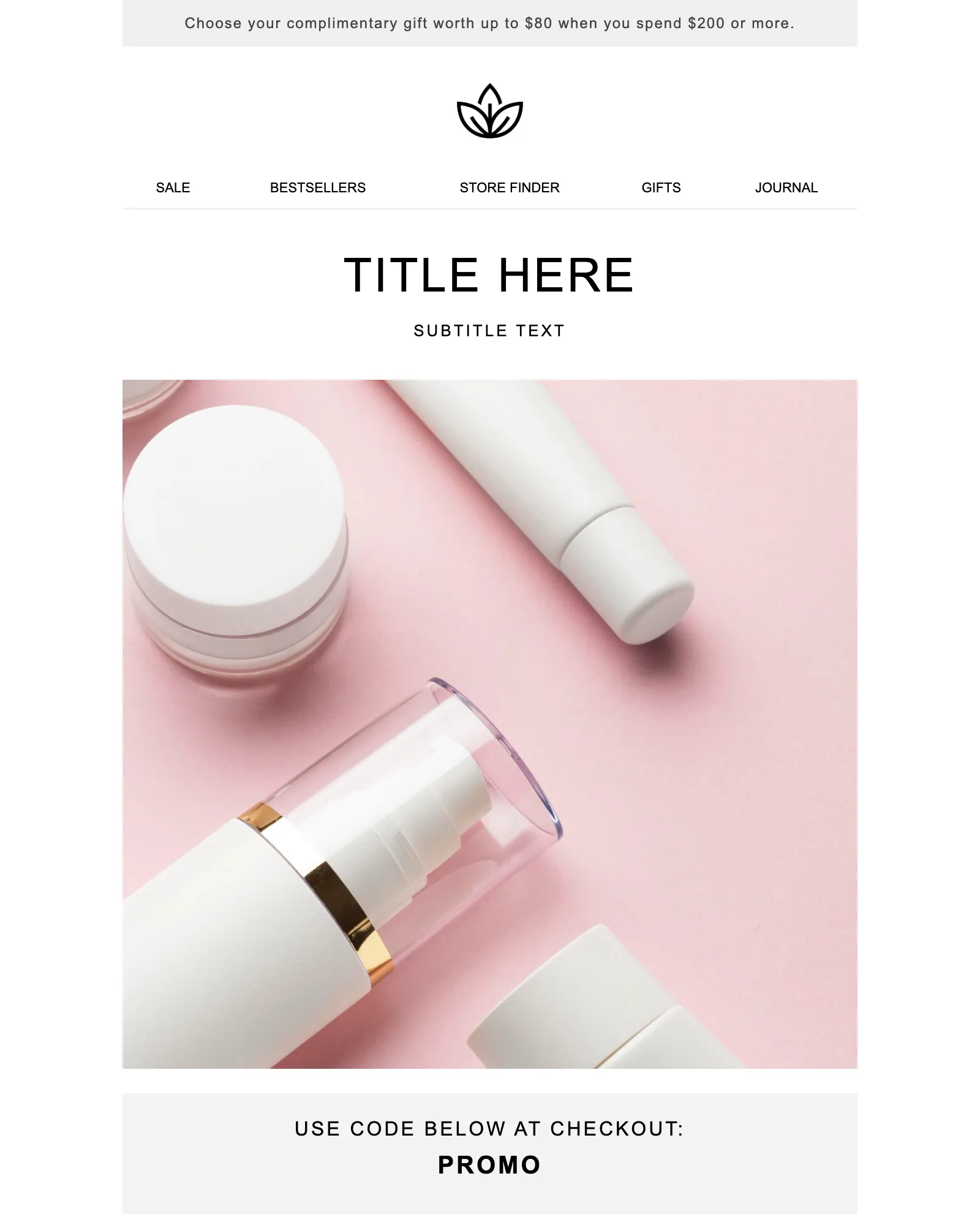
Promotion · Sale · Launch
Promotional email template
One offer and one button, with a promo code banner and the terms your legal team asks for.
See the templateSee your own email in Modular Mail.
Send us a recent campaign. We'll rebuild it before the call, so you can see exactly how your team would work.