We used to wait 3-5 days for dev to update our email templates. Now my team builds campaigns in an afternoon. Same custom designs, zero technical dependency.
Build Marketo emails your team can actually use
Modular Mail is a content management system for email. Set up your templates once, then let your marketing team — or your client's team — build campaigns by filling in content fields. No Marketo template syntax, no broken layouts. Export clean HTML to Marketo in one click.
The Challenge
The Marketo email problem
Marketo is great for automation and sending. Building email content in it is the hard part. Here is what teams actually deal with.
The classic editor is being retired
Adobe's new Email Designer is rolling out, and teams are being forced to migrate. The new editor has gaps: limited brand guardrails, no custom webfont support without manual CSS injection, and content locking that does not fully prevent users from breaking styles. For many teams, this creates uncertainty about the best path forward.
Template syntax is a developer bottleneck
Marketo's mktoModule, mktoText, mktoImg, and variable syntax requires a developer to set up. Every new module or layout change means waiting for dev resources. Marketing teams cannot self-serve, and developers who know both HTML email and Marketo syntax are hard to find.
Design Studio has limitations
Storing and managing templates in Marketo's Design Studio is clunky. There is no visual preview of modules, no drag-and-drop at the template level in the classic editor, and version control is manual. Teams end up with dozens of template variations and no clear way to manage them.
Brand consistency breaks down
Even with modules, Marketo's editor gives users enough rope to break layouts. Rich text editors let people change fonts, colours, and spacing in ways that drift from brand guidelines. The more people creating campaigns, the faster your email design system drifts.
You are locked into one platform
Templates built with Marketo syntax only work in Marketo. If you ever migrate ESPs, you are starting from scratch. Every mktoModule tag and mktoContainer wrapper is platform-specific code that does not transfer. An ESP-agnostic approach avoids this entirely.
The new editor mangles your HTML
Upload clean, tested HTML to Marketo's new Email Designer and it runs through an undocumented conversion process that rewrites your code. Inline styles get changed, structure gets altered, and rendering breaks in ways that are difficult to debug. There is no documentation explaining what the conversion does or how to work around it. Teams end up reverse-engineering the editor instead of building emails.
How it works
How Modular Mail works with Marketo
Set up your template system once. Your team manages the content from there.
1. Set up your template system
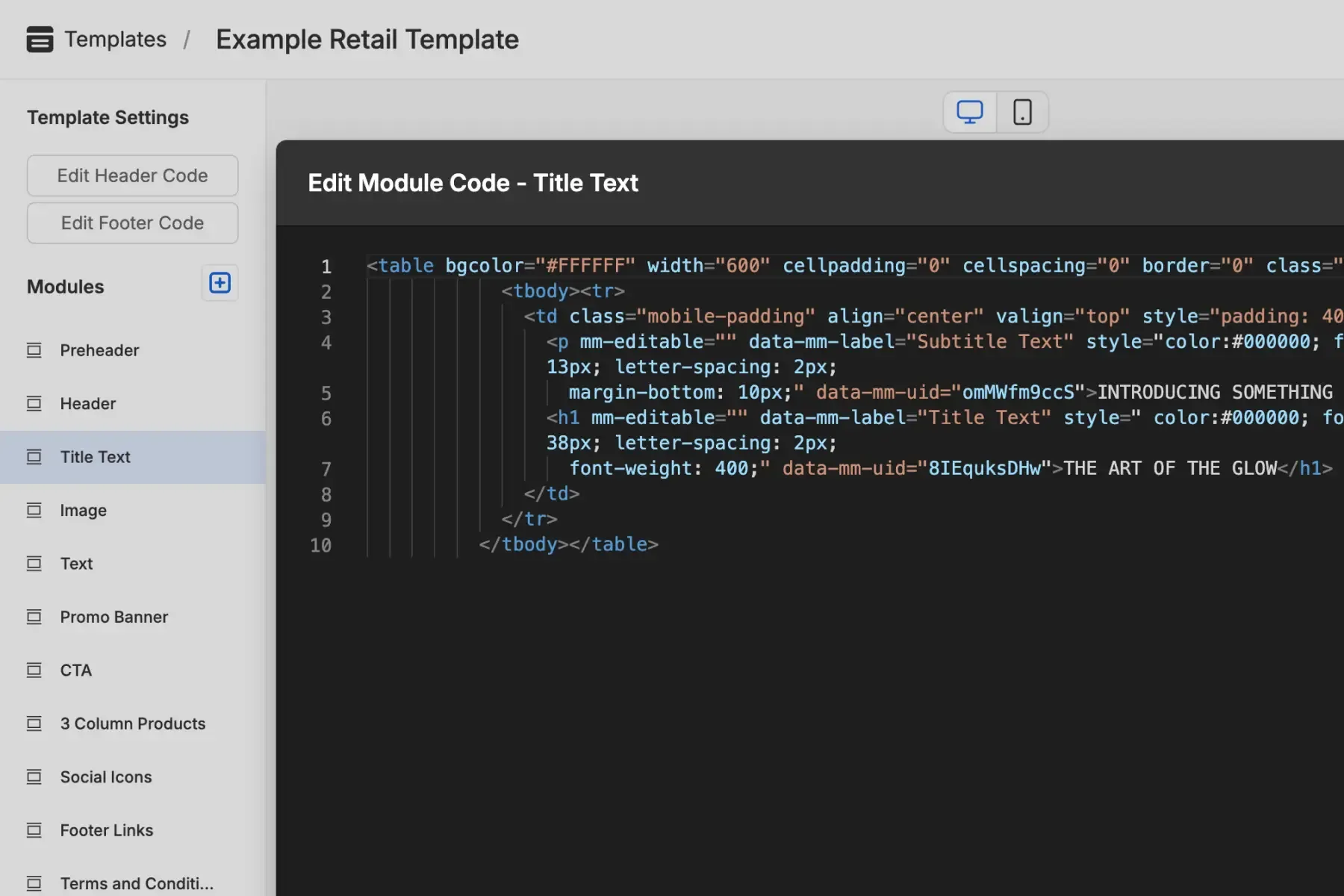
A developer (yours or ours) creates the template structure once. The modules are locked. Marketers cannot break the layout, change fonts, or mess with spacing. Content fields are defined: text, images, links, CTAs.
- No Marketo template syntax needed. Templates use plain HTML with mm-editable tags
- Works with existing designs: bring your current Marketo templates, Figma files, or brand guidelines
- One-time setup, then your team is self-sufficient
2. Marketing builds campaigns
Marketers pick modules, fill in fields, reorder sections, and preview on desktop and mobile. They see content fields, not code. It is content management, not code editing.
- Content fields only, no code visible to the marketer
- Drag-and-drop module reordering
- AI copy assistant for generating and refining text
- AI alt text for accessibility
- Real-time desktop and mobile preview
3. Export to Marketo
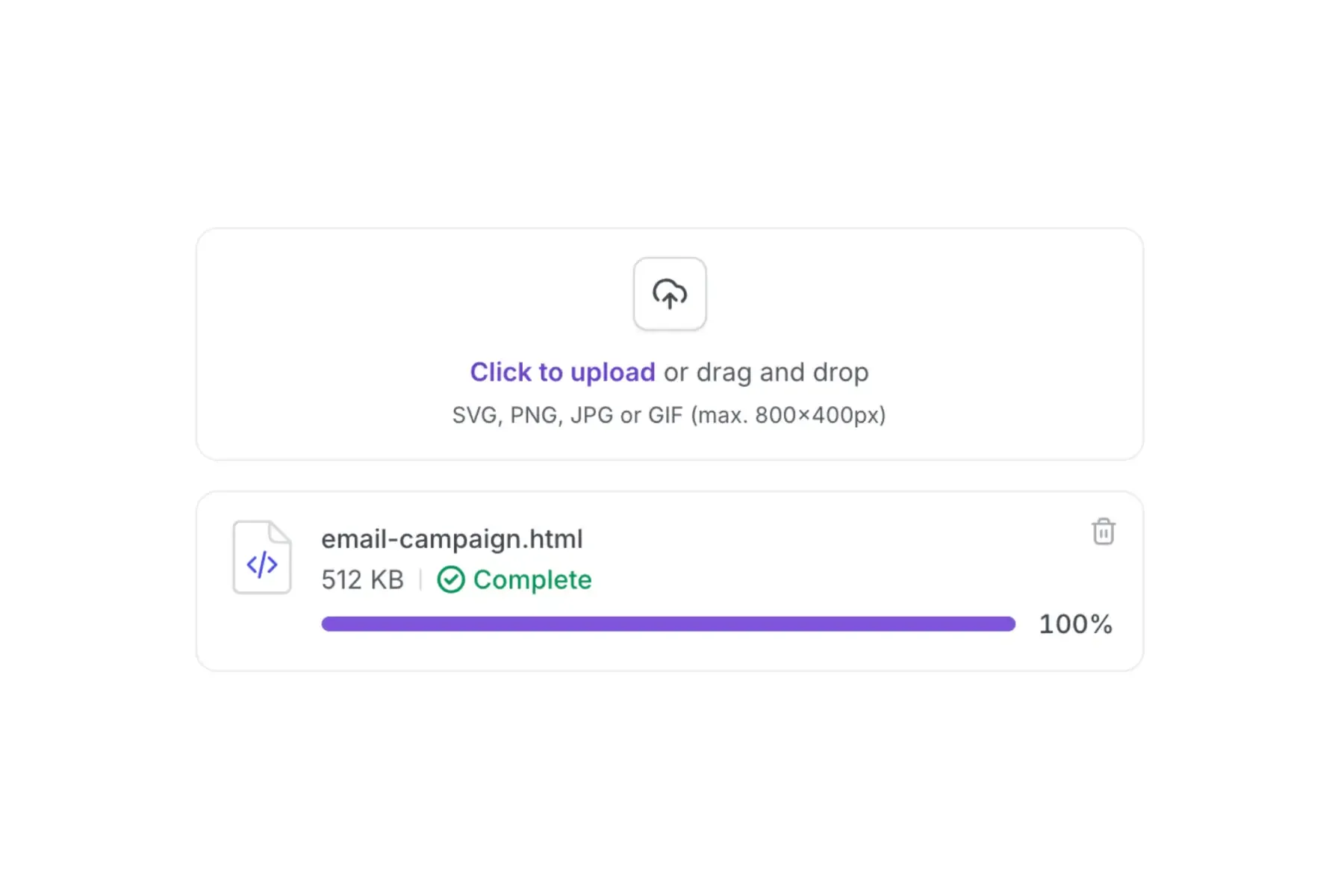
One click, clean HTML, ready to upload to Marketo's Design Studio. Add your tokens and dynamic content, then send. The same HTML works with any other ESP too.
- One-click HTML export
- Clean, well-structured code that Marketo accepts without issues
- No Marketo-specific syntax in the output. Standard HTML that works everywhere
- Send test emails to Litmus or Email on Acid before uploading
The workflow
Where Modular Mail fits
Design
Figma, brand guidelines, or existing Marketo templates
Set up templates
Developer defines modules and content fields. One-time setup.
Build campaigns
Marketer fills in text, images, links. Drag-and-drop modules.
Export HTML
One-click export. Clean, standards-compliant HTML.
Modular Mail
Send from Marketo
Upload to Design Studio. Add tokens, dynamic content. Send.
Marketo
Why teams switch
Why teams move email building out of Marketo
These are the scenarios we hear most often from teams and email developers who add Modular Mail to their Marketo stack.
Classic editor templates are about to break
Adobe is retiring the classic editor and rolling out the new Email Designer. Rather than rebuilding everything in the new editor (which has its own limitations), teams move template management to Modular Mail and export HTML to Marketo for sending.
No dev time available for email
Every new module or template tweak requires a developer who understands Marketo syntax. With Modular Mail, the initial setup is done once, and marketers handle everything after that.
Marketers keep breaking the templates
Marketo's content locking is incomplete. Modular Mail's architecture means marketers literally cannot access the HTML. They only see content fields. No broken layouts, no off-brand styling.
Flexibility to send from other platforms too
Templates built in Modular Mail export as clean, portable HTML. Use the same templates across Marketo, HubSpot, Salesforce, or any other ESP. One template system, no platform-specific syntax.
You are building email systems for clients
If you are an email developer or agency setting up templates for a client's marketing team, Modular Mail gives you a clean handoff. Build the template system once, lock the structure, and give your client a self-service editor they can use without breaking anything. No need to teach them Marketo template syntax or worry about them editing code directly.
Comparison
Modular Mail vs. Marketo's built-in editor
A factual comparison of the two approaches. Marketo handles automation and sending. Modular Mail handles template management and campaign building.
| Feature | Marketo Email Editor | Marketo + Modular Mail Recommended |
|---|---|---|
| Template setup | Requires Marketo template syntax (mktoModule, mktoText, etc.) | Standard HTML with mm-editable tags |
| HTML import behaviour | New editor converts and rewrites uploaded HTML in undocumented ways | Export clean HTML that Marketo accepts without conversion issues |
| Who can build campaigns | Anyone, but risk of breaking layouts | Anyone. Structure is locked, content is editable |
| Brand guardrails | Limited content locking, incomplete in new editor | Full lockdown. Marketers only see content fields |
| Module management | Inside Design Studio or the new editor | Visual module library with drag-and-drop |
| ESP portability | Marketo-only syntax | Export clean HTML to any ESP |
| Custom fonts | Requires manual CSS injection in new editor | Defined in template setup, applied automatically |
| AI assistance | Not available in email editor | AI copy assistant and AI alt text built in |
| Preview and testing | Basic preview, need Litmus/EoA for full testing | Built-in desktop and mobile preview, plus Litmus/EoA integration |
FAQ
Frequently asked questions
Can I use my existing Marketo email templates with Modular Mail?
Yes. Your existing HTML templates can be converted into Modular Mail's module system. You or your developer strips out the Marketo-specific syntax and adds
mm-editable tags to define content fields. We also offer professional template conversion as a service.Does Modular Mail integrate directly with Marketo?
Modular Mail is ESP-agnostic by design. You build campaigns in our editor and export clean HTML, which you then upload to Marketo. There is no direct API integration, and that is intentional. It means you are never locked into one platform.
What happens to my Marketo templates if I use Modular Mail?
Your Marketo templates still exist. Modular Mail sits alongside Marketo. It handles the content management and campaign building, while Marketo handles sending, automation, and reporting. Think of it as replacing Design Studio for email creation, not replacing Marketo itself.
Do I still need Marketo template syntax?
No. Modular Mail templates use standard HTML with simple
mm-editable attributes. The exported HTML is clean and does not include any platform-specific syntax. It works in Marketo and any other ESP.How long does it take to set up?
If you have existing templates, conversion typically takes a few days depending on complexity. If you need templates built from scratch, timelines depend on the scope of the design work. We scope everything upfront so there are no surprises.
I'm an email developer building templates for a client. Does this workflow work for me?
Yes. Many of our users are email developers and agencies who build template systems for their clients. You set up the modules and content fields, then hand the editor over to the client's marketing team. They fill in content and export HTML to Marketo. You stay involved for template updates but the client handles day-to-day campaign building independently.
Is Modular Mail a replacement for Marketo?
No. Modular Mail replaces the template building and campaign content management workflow. You still use Marketo for sending, automation, analytics, lead scoring, and everything else it does well. Read more about the email CMS approach.