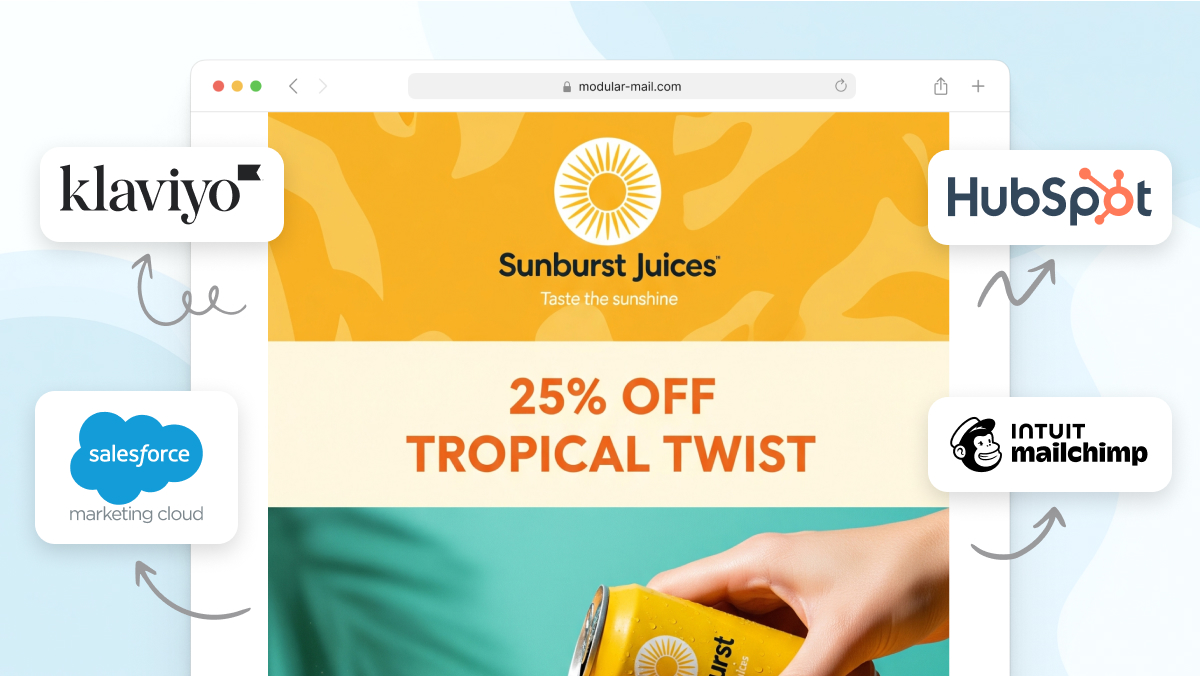
Your ESP (Email Service Provider) handles sending, deliverability, list management, and reporting. But most ESPs also include a built-in email editor, and that’s where things get complicated.
When you build your campaigns inside an ESP’s editor, your layouts, content, and design decisions become tied to that platform. If you ever need to switch ESPs (and most teams do at some point), you don’t just migrate your contact lists. You also lose your templates, your module library, and the workflow your team has learned.
An ESP-agnostic email editor is a tool that sits alongside your ESP rather than inside it. You build your campaigns in the editor, export clean HTML, and upload that HTML to whichever ESP you use for sending. Your campaign-building workflow stays the same regardless of where you send from.
What does “ESP-agnostic” actually mean?
In software, “agnostic” means a tool works independently of a specific platform. An ESP-agnostic email editor is one that:
- Produces portable HTML that any ESP can accept, rather than storing your designs in a proprietary format
- Keeps your templates and content separate from your sending platform, so changing ESPs doesn’t mean rebuilding everything
- Lets your team build campaigns in one consistent interface, regardless of whether you send through Mailchimp, Klaviyo, HubSpot, Salesforce, Marketo, or any other platform
The key idea is separating how you build campaigns from how you send them. Your ESP handles delivery. Your editor handles creation. The two connect through standard HTML.
Why does this matter?
Your workflow survives an ESP migration
Switching ESPs is more common than most teams expect. Pricing changes, a need for better deliverability, a CRM integration that only works with a specific platform. When the time comes, an ESP-agnostic workflow means your marketing team keeps building campaigns exactly as they did before. The only thing that changes is where you upload the HTML.
Without this separation, an ESP migration means rebuilding every template, retraining the team on a new editor, and recreating your module library from scratch. That process can take weeks or months, and it often results in inconsistencies as teams rush to recreate what they had.
No vendor lock-in
Vendor lock-in happens when the cost of leaving a platform becomes so high that you stay even when it no longer serves you well. ESP editors create lock-in by storing your designs in proprietary formats that don’t transfer. An ESP-agnostic approach removes that pressure entirely. You’re free to evaluate ESPs purely on their strengths (deliverability, analytics, automation, pricing) without worrying about losing your campaign-building workflow.
Consistency across platforms
Some teams send through multiple ESPs. An agency might use Mailchimp for one client and Klaviyo for another. An enterprise might use Salesforce Marketing Cloud for transactional emails and HubSpot for nurture campaigns. With an ESP-agnostic editor, every email comes from the same template system, with the same brand rules, regardless of where it’s sent from.
When your ESP’s built-in editor is enough
Not every team needs an external editor. If any of the following describe your situation, your ESP’s native tools are probably a good fit:
- You’re a small team or solo marketer sending a handful of campaigns per month. The built-in editor keeps things simple and avoids an additional tool in your stack.
- Your design needs are straightforward. If your ESP’s drag-and-drop templates cover your brand requirements, there’s no need to add complexity.
- You’re happy with your ESP and don’t plan to switch. If lock-in isn’t a concern because you’re committed to your current platform, the convenience of a native editor is hard to beat.
- Budget is tight. An ESP-agnostic editor is an additional cost on top of your ESP subscription. If you’re early-stage or working with limited resources, it may not be the right investment yet.
ESP editors have improved significantly over the years. For many teams, they do the job well.
When an ESP-agnostic approach makes more sense
The value of separating creation from sending grows with the scale and complexity of your email operation:
- You’re producing campaigns at volume. Teams sending multiple campaigns per week across brands, regions, or product lines benefit from a single, consistent workflow rather than rebuilding in each ESP.
- Non-technical team members need to build campaigns. An ESP-agnostic editor with locked templates and content fields lets marketers work independently without risking the underlying code.
- Brand consistency matters at scale. When multiple people are building emails, a locked template system with defined content fields enforces brand rules automatically, rather than relying on everyone to follow a style guide.
- You work across multiple ESPs. Agencies managing different clients, or enterprises using different platforms for different purposes, can standardise their campaign-building process regardless of where emails are sent.
- You want to future-proof your workflow. Even if you’re happy with your ESP today, an agnostic approach means you’re never locked in. If you need to switch in two years, your templates, modules, and workflow come with you.
How an ESP-agnostic workflow works in practice
The day-to-day process is straightforward:
- A developer sets up your template system once. They upload your HTML email template and define the modules (hero, product grid, footer, etc.) and the content fields within each module (headlines, images, links, CTAs).
- Marketers build campaigns visually. They select which modules to include, arrange them, and fill in the content fields. No code involved.
- Export the HTML. Download a single, production-ready HTML file.
- Upload to your ESP and send. Create a new campaign in your ESP, paste or upload the HTML, and send as normal.
The HTML output is clean, standards-compliant, and works in any ESP that accepts custom HTML (which is virtually all of them).
What about merge tags and personalisation?
Each ESP uses its own syntax for personalisation. Mailchimp uses *|FNAME|*, HubSpot uses {{ contact.firstname }}, Klaviyo uses {{ first_name }}, and so on.
There are two simple ways to handle this:
- Type merge tags directly into your content fields. When writing copy in the editor, insert the ESP-specific tags as part of the text. They’ll pass through to the exported HTML exactly as written.
- Use placeholders and swap them after upload. Write something like
[FIRST_NAME]in the editor, then find-and-replace with your ESP’s syntax after uploading.
Either approach works. The important thing is that personalisation is treated as content, not layout. Your HTML structure stays the same regardless of which merge tag syntax you use.
Importing HTML into common ESPs
Once you’ve exported your HTML, uploading it to your ESP takes a couple of minutes. Here’s how it works in the most common platforms:
Mailchimp: Go to Campaigns, then Email templates. Click Create template, choose Code your own, then Paste in code. Save and use in a new campaign.
HubSpot: Go to Marketing, then Files and Templates, then Design Tools. Create a new Custom HTML file, paste your code, and publish.
Klaviyo: Open Content, then Templates. Click Create Template, choose Import, and paste your HTML. Save and use in a campaign or flow.
Marketo: Create a new email and select Code Editor. Paste your HTML and approve. Use tokens and variables as you normally would.
Salesforce Marketing Cloud: In Content Builder, create a new HTML email. Paste your code and save. Use AMPscript or personalisation strings as needed.
The process is similar across other ESPs. If a platform accepts custom HTML (and most do), it works with an ESP-agnostic editor.
Modular Mail: built for teams who need scale
Modular Mail is an ESP-agnostic email editor built specifically for teams that want to produce campaigns quickly and consistently at scale. A developer sets up your template system once, with locked modules and defined content fields. From there, anyone on the team can build campaigns without touching code and export clean HTML to any ESP.
It’s the right fit if your team is producing a high volume of campaigns, working across multiple brands or regions, or needs to enforce brand consistency without relying on manual checks. If you’re a smaller team with simpler needs, your ESP’s built-in editor may be all you need for now.
- Book a demo to see how it works with your templates.
- Try the editor to explore the interface yourself.